Building a successful online store in 2026 comes down to choosing the right digital home for your brand. The e-commerce world has moved fast, shifting heavily toward smart AI assistants, automated multi-channel selling, and simpler backend management. Whether you’re launching your very first direct-to-consumer (DTC) product from a garage or scaling an established brand to the next level, picking software that matches your budget and comfort with technology makes all the difference.
Let’s break down the industry’s top e-commerce builders in plain English—looking at what they do best, what they cost, and how they actually feel to use every day.
The Big Three Core Builders at a Glance
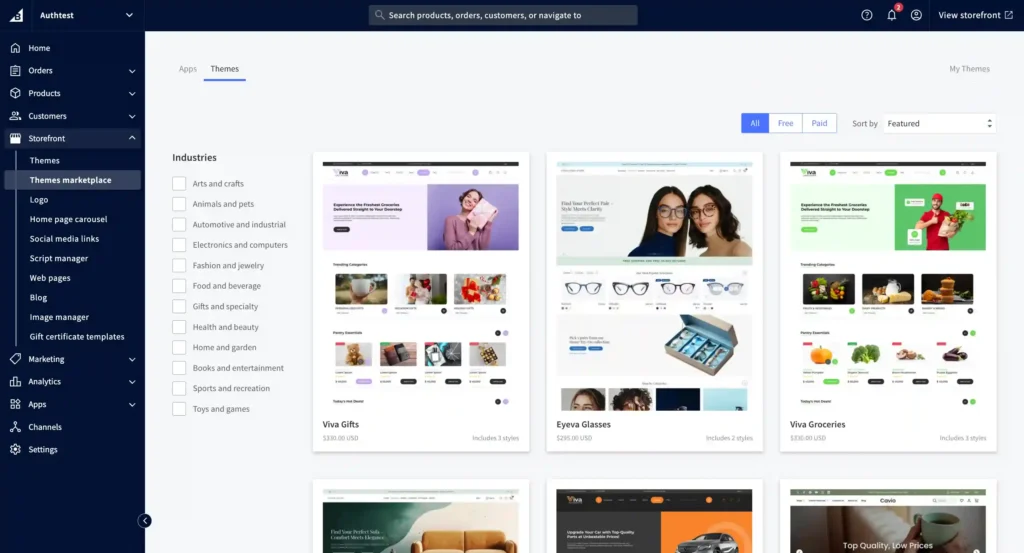
If you just want a quick, high-level look at how the top platforms compare on features, ratings, and starting costs, here is how they stack up side by side:
| Platform | Best Business Model | Standout Core Feature | Expert Rating | Starting Price Tier |
| Shopify | DTC & Growing Product Brands | Built-in AI Assistant & Massive App Store | 9.0 / 10 | From $29 / month (billed annually) |
| BigCommerce | Mid-Market & Wholesale B2B | Zero Extra Transaction Fees & Built-in B2B | 8.5 / 10 | From $39 / month |
| Wix Studio | Designers & Local Service Businesses | Visual Drag-and-Drop Canvas & Booking Tools | 8.2 / 10 | From $27 / month |
Shopify: The Undisputed Favorite for DTC Brands

If you’re selling physical products directly to customers, Shopify remains the go-to gold standard. It hits a fantastic sweet spot: it’s super easy for non-techy founders to set up, but powerful enough for experienced web developers to customize completely.
What makes it feel so smooth in 2026 is its native intelligence suite, featuring Shopify Magic and Sidekick AI. These built-in tools help you write engaging product descriptions, create promotional graphics, spot sales trends, and handle routine customer service questions without forcing you to buy extra apps.
┌────────────────────────────────────────────────────────┐
│ 1. STOREFRONT SETUP & THEME SELECTION                  │
│    Pick a mobile-friendly design & add your branding   │
└───────────────────────────┬────────────────────────────┘
                            │
                            ▼
┌────────────────────────────────────────────────────────┐
│ 2. PRODUCT CATALOG & AI MAGIC ENHANCEMENTS            │
│    Auto-write copy, adjust photos & set stock levels   │
└───────────────────────────┬────────────────────────────┘
                            │
                            ▼
┌────────────────────────────────────────────────────────┐
│ 3. CHECKOUT & CONVERSION AUTOMATION                    │
│    Turn on One-Click Checkout & Abandoned Cart emails  │
└───────────────────────────┬────────────────────────────┘
                            │
                            ▼
┌────────────────────────────────────────────────────────┐
│ 4. MULTI-CHANNEL SCALING & APP INTEGRATIONS            │
│    Sync your stock with TikTok Shop, Amazon & Instagram│
└────────────────────────┘
On top of smart AI features, Shopify’s abandoned cart recovery system is legendary for bringing lost shoppers back to complete their purchase. Plus, with a massive app store full of add-ons, you can easily plug in rewards programs, subscription boxes, or customer review tools whenever you need them.
- Best For: Overall direct-to-consumer (DTC) brands, creators, and rapidly growing product lines.
- Key Features: Shopify Magic/Sidekick AI, one-click checkout, huge app store, abandoned cart recovery, and point-of-sale (POS) support for in-person selling.
- Expert Rating: 9 / 10
- Pricing Breakdown: Standard plans start at $29 per month on an annual plan (or $39 month-to-month on the Basic tier). Larger stores can scale up to Advanced or Enterprise plans as sales grow.
BigCommerce: Built for Heavy Wholesale and Multi-Channel Growth
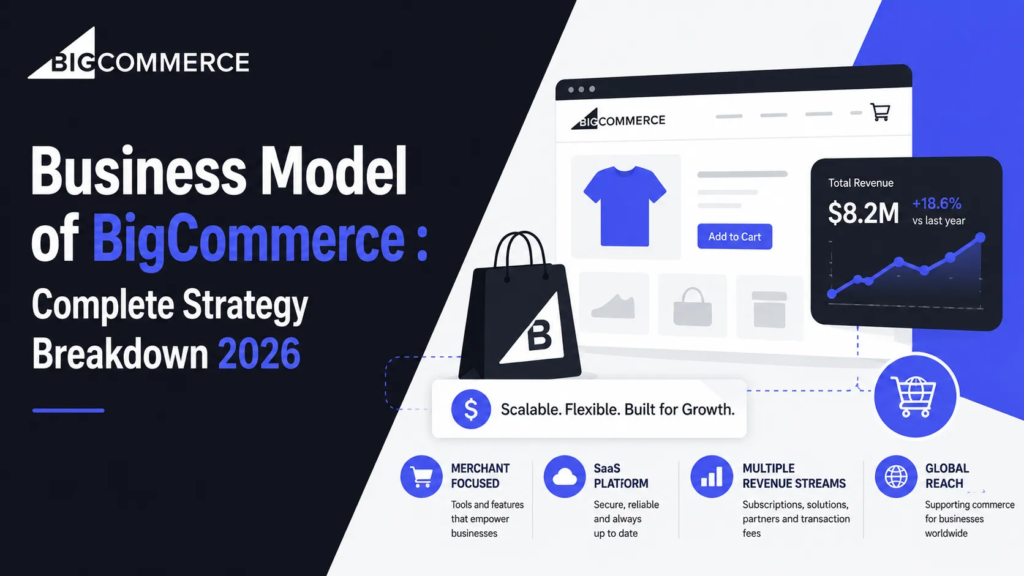
If your business plan relies on selling across multiple marketplaces or handling wholesale B2B customers without getting hit by surprise fees, BigCommerce is an absolute powerhouse. The best part? It never charges extra platform transaction fees, no matter which credit card processor you prefer to use.
The platform handles huge product catalogs, international currencies, and headless store setups with ease. If you sell outside of your own website, its built-in multi-channel sync keeps your inventory accurately updated across Amazon, eBay, Walmart, and social media shops directly from one central dashboard.
Additionally, BigCommerce packs serious B2B capabilities right out of the box. Features like custom wholesale price tiers, corporate customer accounts, and quick bulk-ordering forms come built-in, meaning you won’t have to pay for expensive third-party plugins.
- Best For: Mid-sized to enterprise stores, wholesale business models, and high-volume sellers who want to avoid extra transaction fees.
- Key Features: Zero extra platform transaction fees, built-in multi-channel syncing, native B2B customer portals, complex product variant options, and flexible API tools.
- Expert Rating: 8.5 / 10
- Pricing Breakdown: Standard plans start at $39 per month ($29 per month when billed annually) for up to $50k in annual online sales, scaling up to Plus ($105/mo) and Pro ($399/mo) as your business expands.
Wix Studio: The Best Pick for Creative Designers and Hybrid Stores

For small business owners, boutique shops, and creators who find standard e-commerce templates a bit too rigid, Wix Studio gives you total creative freedom. Its visual drag-and-drop design canvas lets you customize every single pixel of your storefront without needing to touch a line of code.
Where Wix Studio really shines is how smoothly it handles hybrid business models. If you sell physical items alongside appointment bookings, online classes, or event tickets, Wix Studio manages services and products together far better than most strictly retail platforms.
While it might not be designed for massive, enterprise-sized warehouses like Shopify or BigCommerce, its beginner-friendly dashboard, AI layout helper, and built-in marketing tools make it an awesome choice for local shops and visual brands.
- Best For: Beginners, visual creators, local boutiques, and design-focused stores offering both physical goods and bookable services.
- Key Features: Pixel-perfect drag-and-drop design editor, integrated appointment booking, built-in marketing and newsletter tools, blogging features, and quick payment setups.
- Expert Rating: 8.2 / 10
- Pricing Breakdown: E-commerce plans under Wix Studio start around $27 per month (when billed annually), making it a very affordable entry point for new business owners.
Important Things to Keep in Mind Before You Choose

Switching e-commerce platforms down the road can be a real headache, so taking a moment to think through a few key details now will save you time later:
1. The True Total Cost (TCO)
Don’t look only at the base monthly fee. Keep an eye on credit card processing rates, app subscription costs, premium theme prices, and transaction fees. A platform with a cheaper monthly plan might actually end up costing more if you have to buy a dozen extra apps just to get basic features.
2. Your Technical Comfort Level
Be honest about how tech-savvy you feel or whether you have budget for a developer. If you want a store that works right out of the box without touching code, turnkey options like Shopify or Wix are ideal. If you need custom backend tools or complex wholesale pricing rules, BigCommerce offers much more structural flexibility.
3. Room to Grow
Think about where you want your business to be in two or three years. Make sure your builder can handle big holiday sales rushes and hundreds of products without slowing down your site speed. Keep an eye out for automatic plan upgrades tied to annual sales volume.
4. Built-in Tools vs. Third-Party Apps
Check how many essential features come already built into the platform versus how many require downloading extra apps. Built-in features usually run smoother, load faster, and won’t break whenever the main website updates.
Step-by-Step: How to Launch Your Store Smoothly
Following a simple step-by-step checklist keeps you organized and prevents any embarrassing surprises when your first customer checks out:
1.Pick Your Platform & Domain:Laying the Foundation.
Choose the builder that fits your style and register a clean, easy-to-remember custom domain name that matches your brand.
2.Add Products & Configure Options:Setting Up Shop.
Upload clear, high-quality photos, write friendly product descriptions, set your stock counts, and add variations like sizes and colors.
3.Set Up Payments & Shipping:Getting Paid.
Connect your preferred payment method (like Stripe or PayPal), set up realistic shipping rates, and turn on automatic sales tax calculations.
4.Run a Test Order & Go Live:Grand Opening.
Place a real test order on your phone to make sure checkout, confirmation emails, and payment processing work perfectly before telling the world!
What Comes After You Launch?
Once your store is officially open for business, your attention will naturally shift toward getting the word out, bringing in traffic, and keeping customers coming back. Modern e-commerce success is all about connecting your storefront with email marketing, social media shops, and loyalty programs that turn one-time shoppers into lifelong fans.
By starting with the right e-commerce platform for your specific goals, you build a stress-free shopping experience that makes buying from you a complete breeze