

Finding enough hours in the day can feel like a non-stop uphill battle. Between juggling work deadlines, endless video calls, personal errands, and the constant ping of phone notifications, managing time isn’t just about making lists anymore—it’s about protecting your peace of mind.
In 2026, taking control of your day is no longer about squeezing every single minute dry. Today’s best time-saving tools use smart calendar syncing, simple task tracking, and automatic reminders to do the heavy lifting for you. When your app handles the planning, you can spend less time stressing over your schedule and more time actually getting things done.
Why the Right Productivity Setup Makes Life So Much Easier
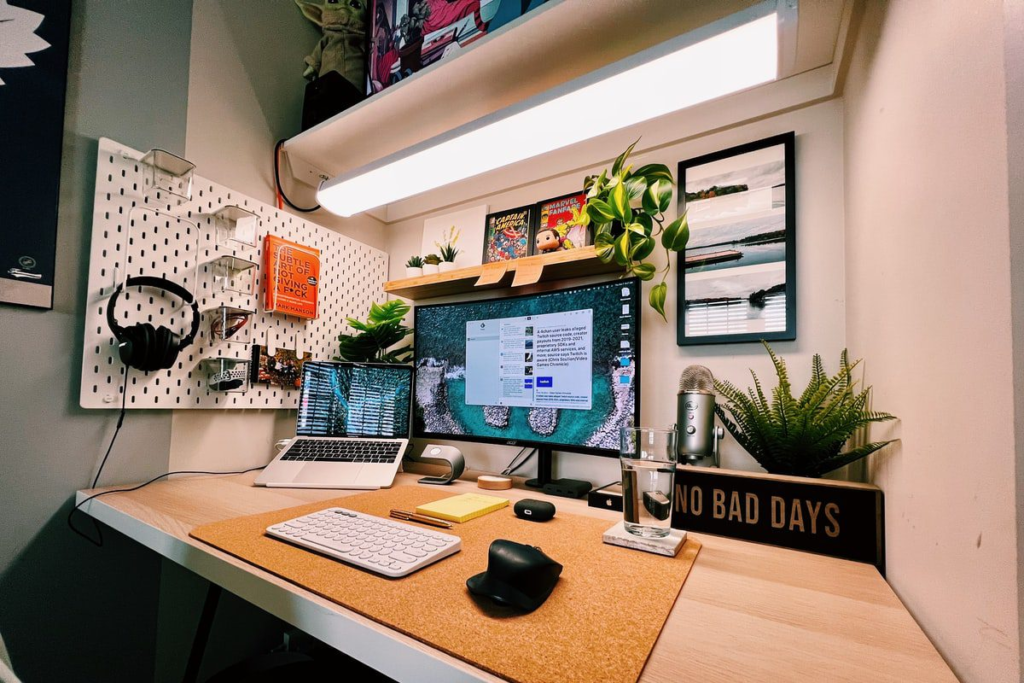
Using a good app isn’t just about checking off boxes—it’s about clearing out mental clutter so you can actually breathe.
Putting a simple routine in place gives you huge everyday benefits:
- Protects your focus so you can finish important projects without getting constantly pulled off track.
- Takes the weight off your brain by giving all your tasks, dates, and random ideas one reliable home.
- Helps you draw a line in the sand between your work responsibilities and your personal life so you don’t burn out.
- Keeps you from forgetting deadlines thanks to gentle reminders that pop up right when you need them.
- Makes working with others way easier because everyone can see who is doing what without endless back-and-forth emails.
- Shows you where your day actually goes so you can catch the hidden time-wasters sneaking into your week.
10 Simple Tools That Keep Your Day on Track
1. Google Calendar
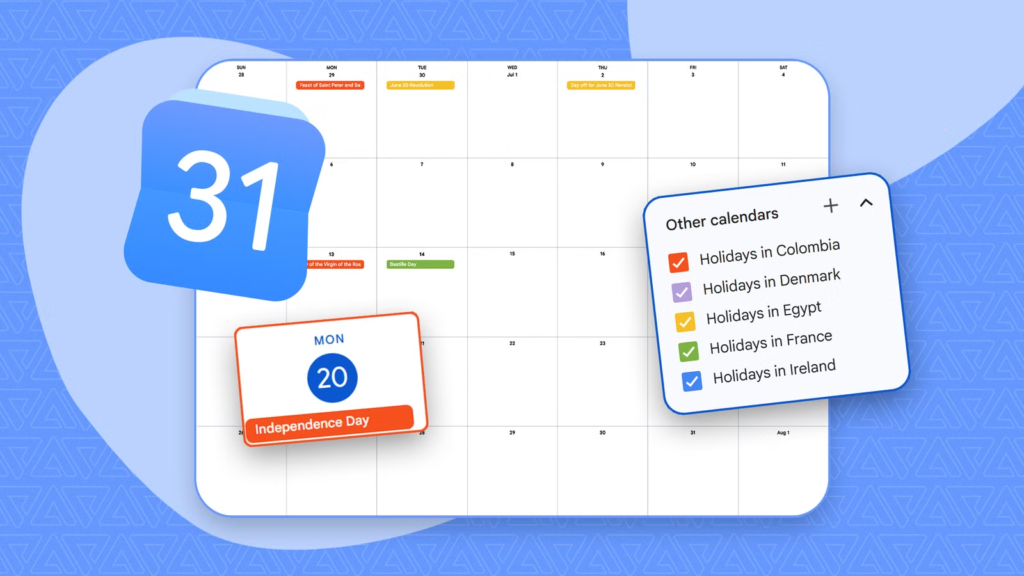
Google Calendar is still the go-to spot for organizing life. It lets you lay out your week, color-code your life (like blue for work and green for workouts), set quick meeting reminders, and see when your friends or coworkers are free.
- Best Suited For: Mapping out your day, keeping track of events, and avoiding double-booking yourself.
2. Notion
Think of Notion as a blank notebook that can do almost anything. You can build simple daily checklists, plan big projects, or save notes. Its layout is totally flexible, so you can view your life as a calendar, a board, or a plain list.
- Best Suited For: Keeping all your notes, project ideas, and long-term plans in one flexible spot.
3. Trello
If you like seeing things visually, Trello uses simple index-card style boards. You make cards for your tasks and drag them across columns like “To-Do,” “Working On It,” and “Done” as you move through your day.
- Best Suited For: Visual thinkers who love moving tasks across a board to see real progress.
4. Todoist
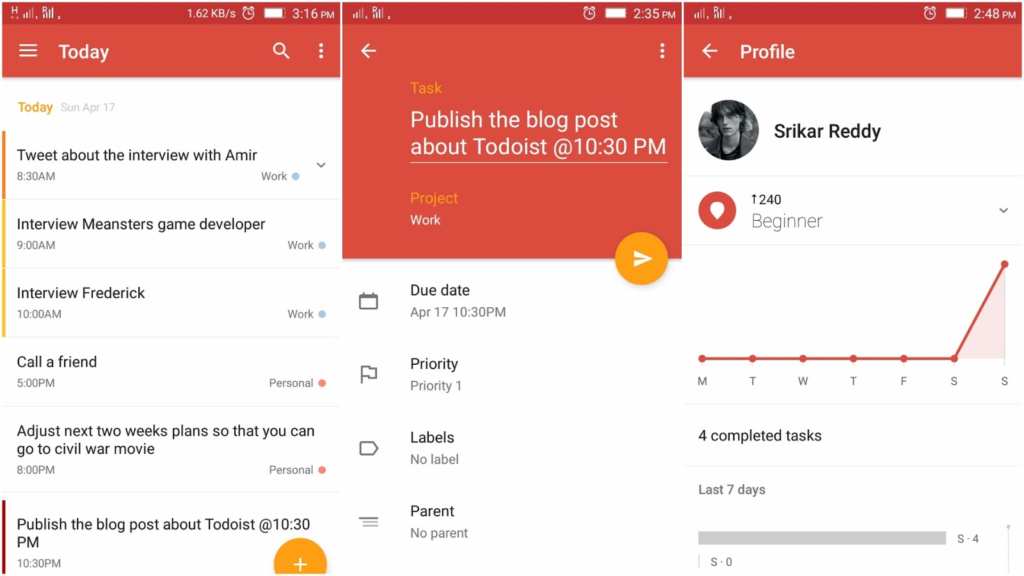
If you just want a clean, honest to-do list, Todoist is about as easy as it gets. You can type things out just like you speak—like “pick up groceries every Tuesday at 5 PM”—and it sets up the recurring reminder automatically.
- Best Suited For: Fast daily task lists, building good habits, and keeping your mind clear.
5. Microsoft To Do
If you already use a computer for work, Microsoft To Do makes daily planning feel effortless. Its best feature is a simple screen called “My Day,” which gives you a completely clean slate every morning so you only focus on what matters today.
- Best Suited For: Quick daily checklists that clear out at night so you can start fresh tomorrow.
6. Asana
Built for teams who are tired of endless email chains, Asana keeps group projects running smoothly. It lets you hand out tasks, set clear due dates, and see who is doing what so nobody feels overwhelmed.
- Best Suited For: Group projects, work assignments, and keeping everyone on the same page.
7. Clockify
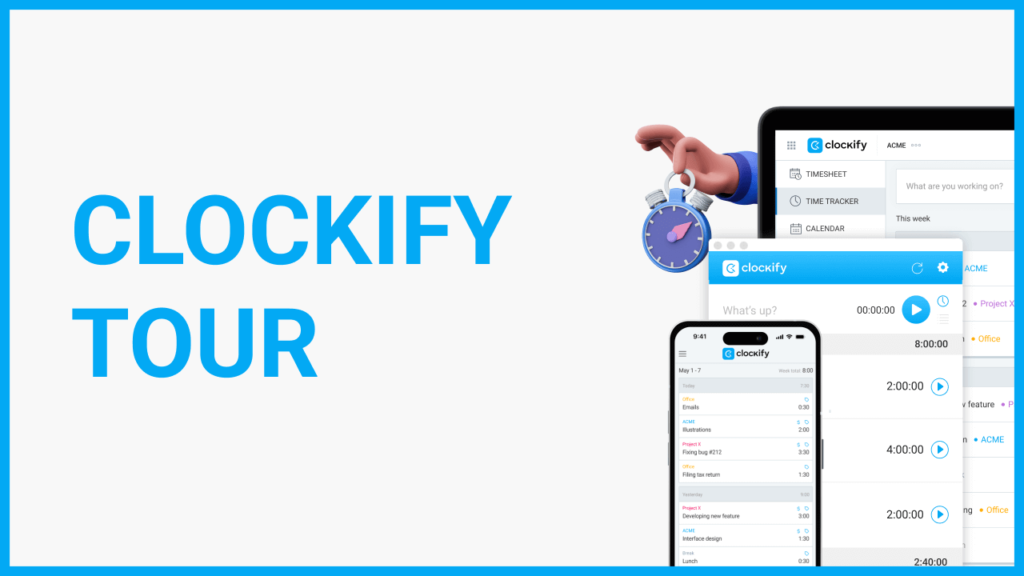
If you work for yourself or charge by the hour, Clockify makes tracking your time completely stress-free. You just hit a start button when you begin a task and stop it when you take a break, giving you a clear picture of your work week.
- Best Suited For: Freelancers, trackable work hours, and seeing how long tasks actually take.
8. RescueTime
Instead of making you type in what you did all day, RescueTime runs quietly in the background of your computer or phone. It gives you an honest look at where your time went—like how many hours you spent reading articles versus scrolling social media.
- Best Suited For: Catching sneaky digital distractions and building better computer habits.
9. Forest
If you can’t stop picking up your phone when you’re supposed to be studying or working, Forest turns staying focused into a fun game. You plant a virtual seed that grows into a tree over 25 minutes. If you leave the app to check your phone, your tree dies!
- Best Suited For: Beating phone addiction, quiet study sessions, and taking healthy focus breaks.
10. ClickUp
ClickUp brings your tasks, notes, calendars, and goal trackers under one roof. It gives you complete freedom over how you view your work, making it great for anyone who wants one single app to handle everything.
- Best Suited For: Combining your notes, calendars, and to-do lists into one main hub.
A Quick Glance at the Best Options
| Tool | How It Works | Why People Love It |
| Google Calendar | Visual schedule layout | Works on every phone and syncs easily with others |
| Notion | Flexible digital notebook | You can customize it to store almost any kind of information |
| Trello | Moving card boards | Super satisfying to drag completed tasks into the “Done” column |
| Todoist | Simple text checklists | Understands human phrasing like “tomorrow at noon” |
| Forest | Phone distraction blocker | Helps you put your phone down by growing a virtual forest |
How to Pick the Tool That Actually Works for You
Don’t download five different apps at once—that just creates more clutter. The best app is simply the easiest one that you will actually enjoy opening every day.
Ask yourself these quick questions to choose:
- Are you organizing your own day or working with a team? Personal chores only need a quick list like Todoist, while team projects need shared boards like Asana or Trello.
- How does your brain like to see information? If you like simple checklists, go with Todoist. If you like seeing dates laid out, stick with Google Calendar.
- What is your biggest daily struggle? If you keep getting distracted by your phone, grab Forest. If you keep forgetting appointment times, set up Google Calendar.
- Does it play nice with tools you already use? Pick something that easily connects to your current email or phone setup.
Real-Life Habits That Make Any App Work Better
No app can fix your schedule if you don’t have a few simple habits in place. Tools give you the structure, but your habits get things done.
Try these straightforward tricks:
- Plan your day the night before: Take 3 minutes before bed to write down your top 3 tasks for tomorrow. You’ll wake up knowing exactly where to start.
- Give your tasks actual time slots: Don’t just make a long list; block out specific times on your calendar for deep focus, answering messages, and taking breaks.
- Chop big goals into tiny steps: “Clean the house” feels huge and exhausting. “Organize the desk drawer” takes five minutes and gets you moving.
- Silence non-essential pings: Turn off notifications for group chats and social apps during your main work windows.
- Do a 5-minute cleanup at the end of the week: Look over your list every Friday, delete things that don’t matter anymore, and move unfinished tasks to next week.
Common Planning Trapdoors to Avoid
It is surprisingly easy to waste time pretending to be productive. Steer clear of these basic mistakes:
- Over-decorating your system: Spending three hours color-coding an app instead of actually doing the work on your list.
- Juggling too many apps: Splitting your tasks across three different notebook apps practically guarantees something will get lost.
- Packing your schedule too tight: Leaving zero buffer time between tasks means one late meeting ruins your whole afternoon.
- Saying “yes” to everything: Overloading your day with favors for other people leaves no energy for your own goals.

