
Digital creativity has become an important part of modern work, business, education, and entertainment. Whether you are designing graphics, creating videos, writing content, editing photos, producing podcasts, or building a social media presence, the right creative tools can make the process faster and more efficient.
Today, digital creators have access to a wide range of tools designed to support different stages of the creative process. Some tools help generate ideas, while others are built for design, writing, video editing, audio production, collaboration, and publishing.
However, having access to many tools does not mean you need to use all of them. The best creative setup is one that matches your goals, skills, workflow, and budget.
What Are Creative Tools?
Creative tools are software applications, online platforms, and digital resources that help people create, edit, organize, and share content.
These tools can be used for many different purposes, including:
- Graphic design
- Photo editing
- Video production
- Writing and editing
- Social media content
- Animation
- Audio and podcasting
- Presentations
- Website design
- Digital illustration
- Collaboration and project management
Some tools are designed for beginners, while others offer advanced features for professional creators. Choosing the right option depends on the type of content you want to create and how much control you need over the creative process.
Start With Your Creative Goals

Before choosing a creative tool, it is important to understand what you want to create. A graphic designer may need advanced design software, while a social media creator may prefer a simple platform for quickly creating posts and videos.
Ask yourself a few basic questions:
- What type of content do I want to create?
- How often will I use the tool?
- Do I need beginner-friendly features or advanced controls?
- Will I work alone or with a team?
- What is my budget?
Answering these questions can help you avoid choosing tools that are too complicated or do not provide the features you actually need.
Graphic Design Tools
Graphic design tools are among the most popular resources for digital creators. They can be used to create social media graphics, logos, presentations, advertisements, posters, thumbnails, and other visual content.
Beginner-friendly design platforms often include templates, drag-and-drop features, stock images, fonts, and ready-made layouts. These tools can help people create professional-looking designs without extensive technical experience.
More advanced design software may offer greater control over layers, typography, illustrations, colours, and image editing.
When choosing a graphic design tool, consider the type of projects you create and how much customization you require.
Photo Editing Tools
Photo editing tools help creators improve, adjust, and transform images. Basic editing features may include cropping, brightness adjustments, colour correction, and resizing.
Advanced photo editing software may provide tools for removing objects, working with layers, creating composites, retouching images, and applying detailed effects.
Photographers, bloggers, online retailers, marketers, and social media creators can all benefit from photo editing tools.
The best tool depends on whether you need quick edits or detailed creative control.
Video Creation and Editing Tools
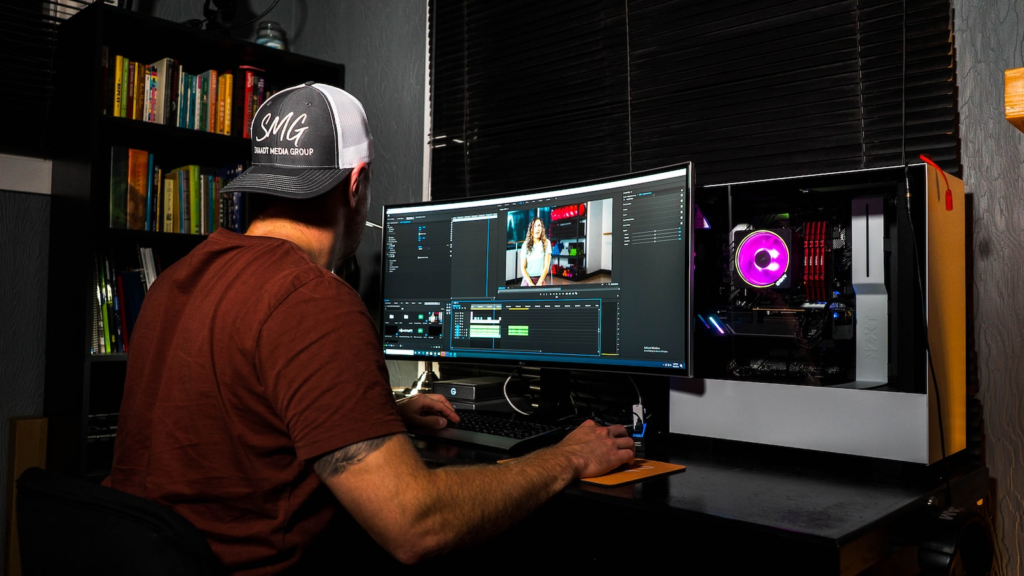
Video has become one of the most powerful forms of digital content. From short social media clips to long-form videos, creators use video tools to edit footage, add music, include text, and create engaging visual stories.
Basic video editors often include templates, transitions, filters, subtitles, and easy-to-use editing features. Advanced software can provide detailed control over timelines, audio, colour grading, visual effects, and motion graphics.
When choosing a video editing tool, consider the type of videos you create, the devices you use, and your experience level.
For beginners, simple tools can make the editing process less overwhelming. More experienced creators may prefer software that provides advanced features and greater flexibility.
Writing and Content Creation Tools
Writing tools can help creators develop blog posts, articles, newsletters, social media captions, scripts, and other types of content.
Some platforms focus on grammar and spelling, while others help with organisation, research, brainstorming, and editing.
A good writing workflow often involves several stages:
- Developing an idea
- Creating an outline
- Writing a first draft
- Editing and improving the content
- Checking grammar and clarity
- Publishing the final version
Creative writing tools can help make each step more organised and efficient.
However, technology should support creativity rather than replace personal ideas and original thinking. The best content usually combines useful tools with a unique human perspective.
Tools for Social Media Creators
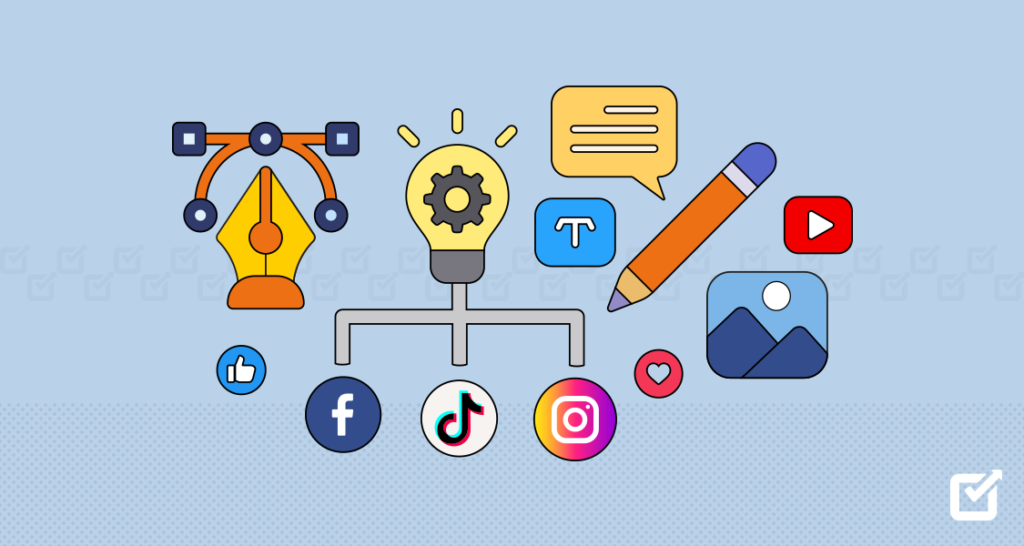
Social media creators often need to produce content quickly and consistently. Creative tools can help with designing posts, editing videos, creating thumbnails, scheduling content, and managing multiple platforms.
Templates can save time when creating regular content. Design tools can help maintain consistent branding, while editing apps can make it easier to create short-form videos.
Analytics tools can also help creators understand which content performs well. Reviewing performance data can provide insights into audience preferences and help improve future content.
A strong social media workflow usually combines creativity with planning and consistency.
Audio and Podcasting Tools
Audio content continues to be popular through podcasts, interviews, music, voiceovers, and online videos.
Audio editing tools can help creators record, edit, improve, and publish audio content. Basic features may include trimming, volume adjustment, noise reduction, and adding music.
For podcast creators, tools that support recording, editing, hosting, and distribution can simplify the entire production process.
Clear audio is often more important than expensive equipment. A good recording environment and thoughtful editing can make a significant difference to the final result.
Animation and Motion Graphics
Animation tools allow creators to bring graphics, illustrations, characters, and text to life.
They can be used for explainer videos, advertisements, social media content, presentations, educational materials, and entertainment.
Some animation tools offer simple templates and ready-made effects, while advanced software allows detailed control over movement and visual effects.Animation can be a powerful way to explain complex ideas or make content more engaging.
Digital Illustration Tools
Digital illustration has become increasingly popular among artists and creators. Drawing tablets and illustration software allow artists to create digital artwork, concept designs, character illustrations, comics, and more.
Important features may include brushes, layers, pressure sensitivity, colour tools, and customisation options.
Beginners may prefer simple drawing applications, while professional artists may need advanced tools with extensive brush and editing controls.
The most important factor is finding a tool that feels comfortable and supports your creative style.
AI-Powered Creative Tools
Artificial intelligence has introduced new possibilities for digital creators. AI-powered tools can assist with brainstorming, writing, image creation, editing, audio production, and other creative tasks.
These tools can help speed up repetitive work and provide ideas when creators feel stuck.
However, creators should use AI thoughtfully. Original ideas, personal judgment, accuracy, and creativity remain important.
AI can be useful as a creative assistant, but the final result should reflect the creator’s goals and perspective.
Collaboration Tools for Creative Teams
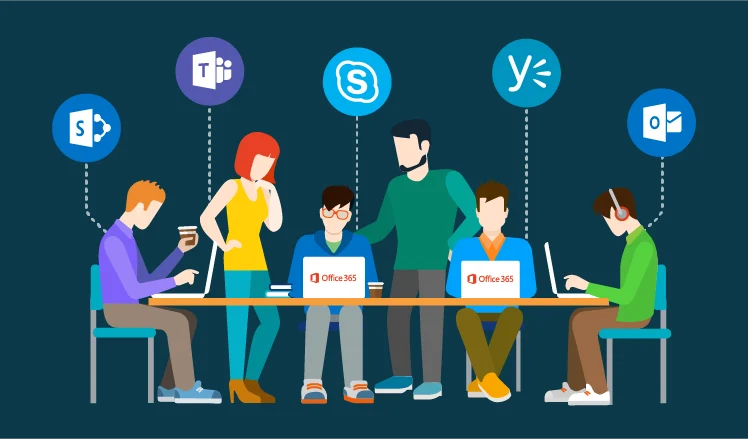

Many creative projects involve multiple people. Designers, writers, video editors, marketers, and clients may all need to work together.
Collaboration tools can help teams share files, provide feedback, manage tasks, and track project progress.
A well-organised creative workflow can reduce confusion and make it easier to meet deadlines.
Cloud-based tools are particularly useful for remote teams because they allow people to access projects and communicate from different locations.
Choose Tools That Work Together
Using too many disconnected tools can make your workflow more complicated. Whenever possible, choose tools that work well together.
For example, a creator may use one platform for planning, another for design, and another for publishing. If these tools can easily share files and information, the overall process becomes more efficient.
A simple workflow is often better than using a large number of tools without a clear purpose.
Free vs Paid Creative Tools
Many creative tools offer free versions with basic features. These can be useful for beginners and creators who are testing a new platform.
Paid versions may offer additional features, storage, templates, advanced editing options, or improved collaboration tools.
Before paying for a subscription, consider how often you will use the tool and whether the extra features provide real value.
It is also worth checking whether a free alternative can meet your needs.
Focus on Ease of Use
A powerful tool is not always the best tool. If the software is difficult to understand, it may slow down your creative process.
Ease of use is especially important for beginners. A simple tool that helps you complete projects quickly may be more useful than an advanced platform with features you rarely use.
As your skills improve, you can always move to more advanced software when you need additional capabilities.
Protect Your Creative Work

Digital creators should also think about protecting their work. Save important files regularly and consider using cloud storage or backup systems.
Organising files with clear names and folders can also save time. For larger projects, keeping different versions can help prevent accidental loss of important work.
Creators should also understand copyright rules when using images, music, fonts, videos, and other third-party content.
Using licensed or original materials can help prevent legal and publishing problems.
Keep Learning and Experimenting
Creative tools are constantly changing. New features and platforms appear regularly, making it useful for creators to continue learning.
You can improve your skills by watching tutorials, practising new techniques, experimenting with different tools, and studying the work of other creators.
You do not need to master every tool. Focus on learning the tools that are most relevant to your creative goals.
Experimentation can also help you discover new ways to improve your workflow.
Final Thoughts
The ultimate guide to creative tools for digital creators begins with understanding your goals. Whether you are designing graphics, editing videos, writing content, creating podcasts, producing illustrations, or managing social media, the right tools can make your creative process more efficient.
The best tools are not always the most expensive or advanced. They are the ones that fit your workflow, support your ideas, and help you create consistently.
Start with the essentials, learn how each tool works, and gradually expand your creative toolkit as your needs grow. With the right combination of technology, creativity, and practice, digital creators can turn ideas into engaging and professional content.
FAQ’s
1. What are creative tools used for?
Creative tools help with graphic design, writing, photo editing, video creation, audio production, and digital content.
2. Which creative tools are best for beginners?
Beginner-friendly tools with simple interfaces, templates, and easy editing features are often a good starting point.
3. Do digital creators need expensive software?
No. Many free or affordable tools offer useful features for creating high-quality digital content.
4. How can creative tools improve productivity?
They can simplify repetitive tasks, organise projects, speed up editing, and help creators produce content more efficiently.
5. How should I choose the right creative tool?
Consider your content type, skill level, budget, workflow, and the specific features you need.

