We are currently living through a fascinating cultural and economic shift where attention has officially become the most valuable currency on Earth. In the fast-paced landscape of 2026, digital content creation is no longer confined to the sidelines of traditional marketing departments or treated as a casual hobby for teenagers. Today, it forms the absolute cornerstone of global communication, retail commerce, and modern entertainment networks. Every single day, billions of individuals scroll through social media feeds, read informative blog articles, stream high-definition videos, listen to immersive podcasts, and interact with striking graphic designs.
Because the global appetite for fresh media is completely insatiable, the pressure on brands and independent creators to produce polished work has intensified drastically. This high-volume environment has turned digital creative tools into essential tactical infrastructure. Whether you are an elite designer pushing artistic boundaries, a corporate marketer tracking conversion funnels, a freelance video editor, or a solo entrepreneur launching a brand from your bedroom, the software applications you choose act as your primary engine for translating raw, imaginative concepts into unforgettable digital experiences that command attention.
Defining the Modern Creative Stack
To successfully navigate this booming industry, it helps to understand what the creative tech stack actually looks like. At its core, creative tools are specialized software platforms engineered to help users invent, edit, manipulate, and publish digital media. For decades, these applications were incredibly complex, wildly expensive, and required years of intensive technical training to master.
Today, the software landscape has completely opened up. Modern creative platforms seamlessly combine advanced studio-grade processing power with deeply intuitive user interfaces, making professional production methods accessible to absolutely anyone. Furthermore, the modern stack has evolved to natively incorporate cloud-based real-time collaboration and artificial intelligence infrastructure. This means creators are no longer isolated on a single desktop machine; they can now seamlessly record, render, and refine their intellectual property across distributed global networks at speeds that were completely unimaginable just a few years ago.
Graphic Design: Sculpting Visual First Impressions
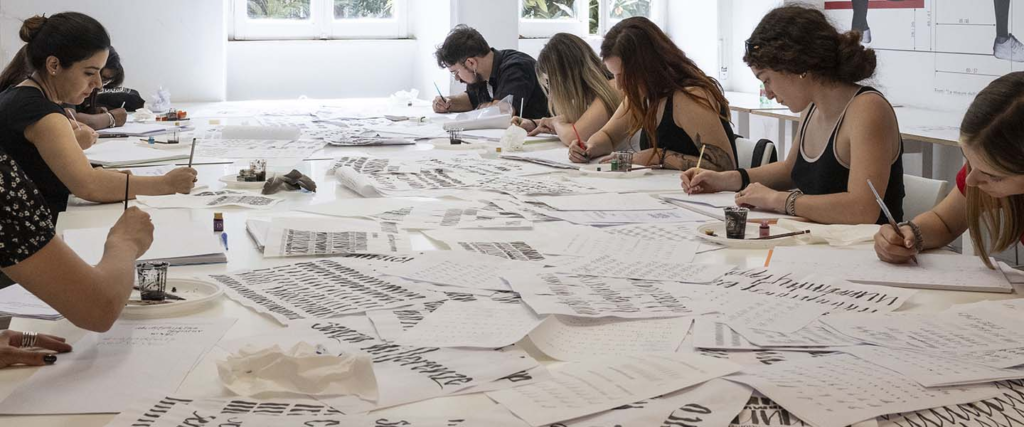
In the digital realm, human beings make split-second evaluations. A consumer will decide whether to trust a brand or scroll past an advertisement in a fraction of a second, making graphic design the ultimate tool for securing positive first impressions. Modern design applications allow creators to build unified visual languages across logos, marketing presentations, and interactive web layouts.
[ Raw Visual Concept ] ──► ( Figma: Real-time UI Layout ) ──► [ Interactive Live Vector Prototype ]
                                                                       │
                                                                       ▼
[ Automated Brand Export ] ◄── ( Canva AI: Scaled Assets ) ◄───────────┘
The professional design ecosystem is beautifully segmented to handle different creative demands. For deep, pixel-perfect photo manipulation and digital artistry, Adobe Photoshop remains the undisputed industry titan. When clean, infinitely scalable branding assets like logos and iconography are required, creators rely heavily on Adobe Illustrator’s vector-processing engines. Meanwhile, the fast-moving world of web design and mobile app prototyping has been completely revolutionized by Figma, which serves as a live, collaborative digital canvas. For everyday marketers and small business owners who need to produce gorgeous, on-brand social media graphics in minutes, Canva provides an incredibly smooth drag-and-drop template playground that skips the steep technical learning curve entirely.
Video Editing: Capturing the Attention Economy
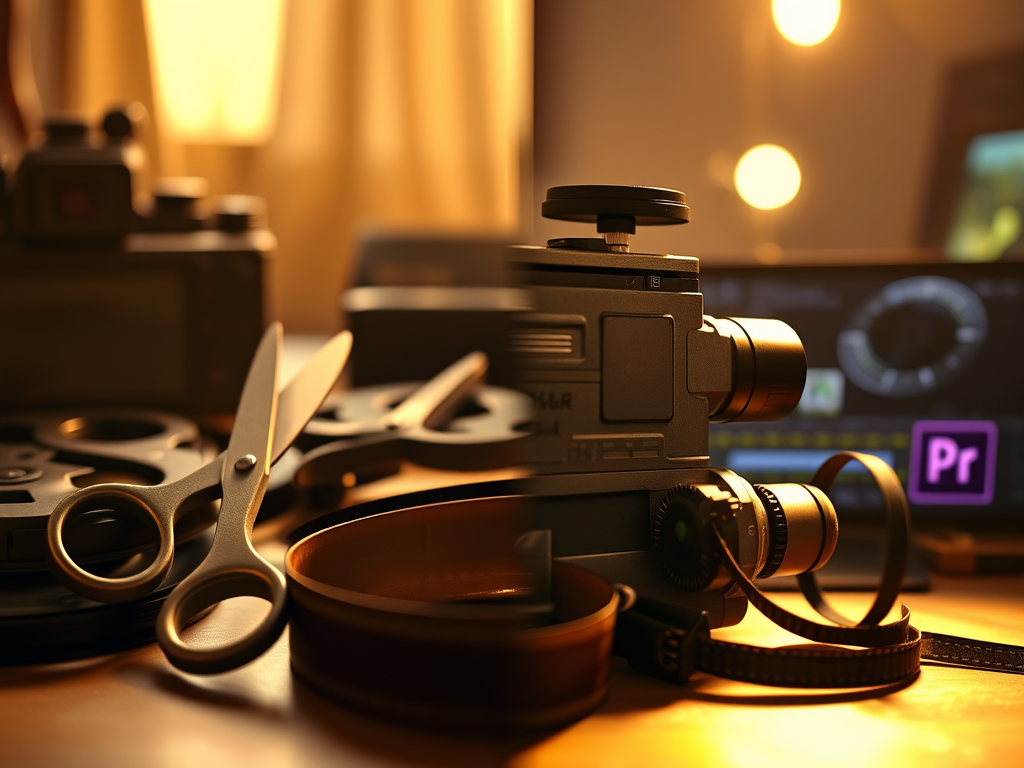
If text is the framework of the internet, then video content is undeniably its most powerful, high-impact currency. Across platforms like YouTube, TikTok, Instagram, and corporate landing pages, high-retention video production has become the most effective way to convey complex messages and build deep emotional bonds with an audience.
To piece together these compelling narratives, video editors deploy highly specialized software suites built for precision. Film industry professionals and long-form creators frequently lean on DaVinci Resolve for its world-class color grading suites, and Adobe Premiere Pro for its robust, timeline-based editing flexibility. Creators embedded deeply in the macOS ecosystem often choose Final Cut Pro due to its lightning-fast rendering speeds on modern Apple silicon. Simultaneously, the massive wave of short-form, vertical video content has turned CapCut into a global powerhouse, offering mobile creators instant access to trendy transitions, automated text captioning, and smart audio syncing tools directly on their smartphones.
The Architecture of High-Converting Written Copy
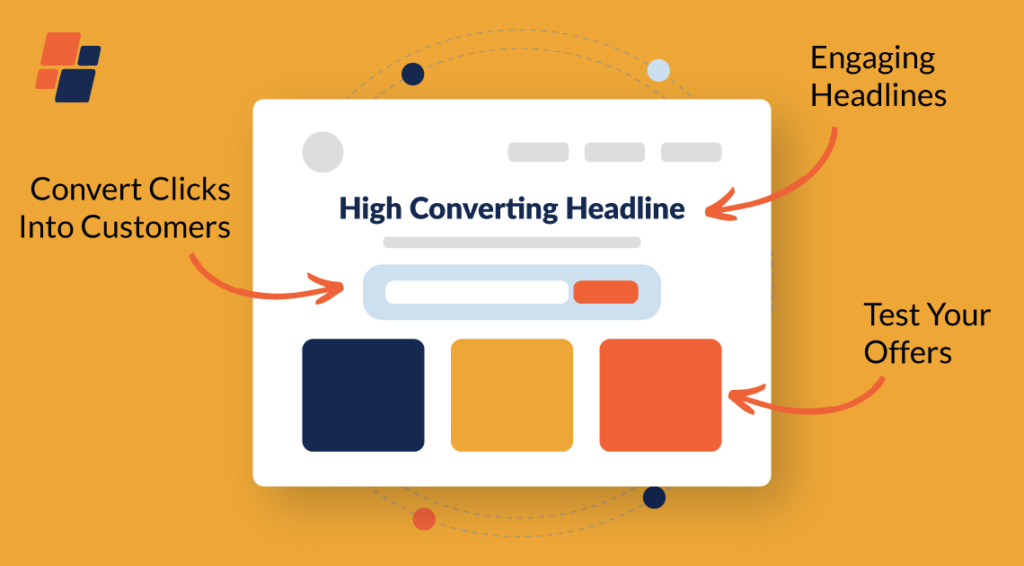
While dazzling visuals and cinematic videos attract initial attention, it is the structural quality of your written copy that ultimately educates audiences, builds deep intellectual authority, and drives financial conversions. Writing for the digital web requires a delicate balance of stylistic clarity, perfect grammar, and search engine optimization.
Modern writing software acts as an intelligent structural guide for authors. Platforms like Grammarly and ProWritingAid do far more than catch embarrassing spelling mistakes; they analyze sentences in real time to suggest improvements in tone, structural rhythm, and vocabulary choice. For high-speed content marketing campaigns, advanced generative writing platforms like Jasper and ChatGPT assist copywriters by rapidly spitting out structural outlines, brainstorming catchy headlines, and drafting foundational copy for email newsletters and blog posts, allowing human authors to bypass the terrifying paralysis of writer’s block.
The Generative AI Creative Renaissance
We are currently navigating a massive creative renaissance driven by the integration of generative artificial intelligence into everyday creative workflows. AI is no longer viewed as a threat to human artistry; instead, it is celebrated as the ultimate cognitive amplifier for rapid prototyping and ideation.
[ Descriptive Human Prompt ] ──► ( Midjourney Generative Render ) ──► [ Stunning Conceptual Art ]
                                                                                  │
                                                                                  ▼
[ Multi-Channel Campaign ] ◄── ( Adobe Firefly Safe Commercial Fill ) ◄───────────┘
Advanced image synthesis engines like Midjourney and DALL-E have fundamentally altered how creative teams brainstorm concepts, turning descriptive text prompts into breathtaking, high-fidelity visual artwork in a matter of seconds. Inside traditional workflows, Adobe Firefly provides creators with commercially safe generative tools built directly into classic design layouts, allowing users to instantly expand image borders or generate complex textures with simple commands. Combined with conversational intelligence engines like Gemini and ChatGPT, creators can now rapidly orchestrate complex, multi-channel media campaigns from a single, unified digital command center.
Soundscapes and the Modern Audio Revolution
The rapid, global explosion of podcasting, audiobooks, and independent streaming media has officially made high-fidelity audio engineering an essential pillar of digital content production. Audiences are incredibly unforgiving when it comes to poor audio quality; a listener will happily tolerate a lower-resolution video feed, but they will instantly switch off a piece of media if the sound is plagued by background static or muffled vocals.
To achieve that rich, broadcast-ready sound profile, creators use dedicated digital audio workstations (DAWs). For open-source, highly reliable basic editing, Audacity remains an incredible, accessible favorite for beginners worldwide. Professional sound designers and complex podcast studios lean on Adobe Audition for its advanced multi-track mixing capabilities and surgical spectral frequency repair tools. Meanwhile, the modern audio landscape has been thoroughly disrupted by Descript, an ingenious platform that transcribes audio files into text documents, allowing creators to edit their raw audio by simply cutting and pasting the written text like a standard Word file.
Motion Graphics: Breathing Life into Complex Data
Sometimes, static images and standard video footage fall short when trying to explain highly abstract concepts, complex software products, or data-driven business metrics. This is where animation and motion graphics serve as a masterclass in dynamic visual storytelling.
To create these fluid digital transformations, designers harness incredibly deep animation systems. Adobe After Effects functions as the absolute global standard for compositing cinematic visual effects and styling sleek kinetic typography for commercial advertisements. Independent creators and game developers frequently turn to Blender, an incredibly powerful, entirely free open-source 3D creation suite capable of handling everything from modeling to complete character animation. For corporate communications and educational channels, lightweight vector-animation platforms like Vyond allow teams to quickly assemble clean, professional animated explainer videos utilizing vast libraries of pre-built characters and environments.
Social Media Management: Curation and Distribution
Building exceptional digital media is only half the battle; to achieve real success, you must ensure your creations actually reach your target audience at the optimal moment. Managing multiple social media pipelines manually is an absolute recipe for operational burnout.
| Social Distribution Tool | Core Strength | Ideal Use Case |
| Hootsuite | Deep enterprise-grade analytics | Large-scale corporate networks tracking multi-channel brand reach. |
| Buffer | Clean, minimalist visual scheduling | Solo creators and small startups prioritizing smooth daily workflow. |
| Later | Visual grid-first content planning | Aesthetic lifestyle brands heavily focused on Instagram and Pinterest. |
By utilizing these intelligent distribution hubs, creative teams can batch-produce their visual media weeks in advance, visually map out their future grids, and schedule posts to drop automatically across multiple platforms simultaneously. These tools collect deep engagement analytics, showing you exactly what content resonates most with your community.
Creative Operations: Syncing Distributed Teams
High-quality content production is rarely a solo venture anymore; it is a highly coordinated team sport that requires continuous communication, file sharing, and rigorous asset feedback loops. Without a central digital headquarters, creative projects can easily get bogged down in endless feedback loops and lost file attachments.
Dedicated collaborative environments serve as the virtual studio space for modern creators. Comprehensive project hubs like Notion and ClickUp allow teams to map out deep content production pipelines, tie specific design drafts directly to content briefs, and keep track of strict publication deadlines. Real-time communication engines like Slack and Microsoft Teams keep creative departments completely connected, enabling instant, constructive feedback on drafts. This tight digital integration eliminates creative friction, completely aligns remote freelancers with in-house brand guidelines, and ensures a totally smooth path from initial brainstorm to final broadcast.
Designing Your Ultimate Personalized Creative Toolbox
With such an overwhelming abundance of brilliant applications available, the secret to creative longevity is not trying to master every single platform on the market. Instead, the goal is to thoughtfully architect a lean, integrated tech stack tailored perfectly to your specific skillset and budget.
[ Beginner Level ]   ──►  Canva + CapCut + Grammarly  ──►  Fast, Template-Driven, Intuitive
                                       │
[ Professional ]     ──►  Adobe CC + Figma + Descript ──►  Pixel-Perfect, Highly Customizable
If you are a complete beginner just stepping into the creative economy, you should deliberately prioritize user-friendly, browser-based tools that leverage automation and pre-built templates. This allows you to start publishing content immediately without hitting a wall of technical frustration. However, as your creative business grows and your stylistic demands become more precise, you should gradually transition into professional desktop ecosystems that offer deep, granular customization options. Always look for applications that offer flexible API integrations, ensuring your writing tools, design platforms, and project trackers can talk to one another smoothly without manual data transferring.
The Immersive Frontiers of Spatial Content Creation
As we look past 2026 toward the future of human-computer interaction, the very definition of digital media is expanding far beyond flat, two-dimensional mobile screens. The steady rise of mixed reality headsets and spatial computing is opening up an entirely new dimension of spatial, immersive content creation.
The next generation of creative tools will give artists the power to sculpt interactive three-dimensional assets, design room-scale augmented reality learning experiences, and direct immersive virtual reality narratives. Artificial intelligence will continue to deeply weave itself into workflows, acting as an automated production assistant that handles mind-numbing technical details like file exporting, video transcoding, and localized translation variations with a single click. As these technologies mature, the barrier between a human thought and a finished piece of media will drop to zero, democratizing the creative process completely and allowing the best stories to rise to the top based purely on imagination.
FAQs
Which graphic design software should I learn first as a complete beginner?
If you want to start creating immediately without a steep learning curve, start with Canva or Adobe Express. They offer beautiful, drag-and-drop interfaces and thousands of templates. If you wish to build a serious career in professional design or UI/UX, start learning Figma and Adobe Photoshop early on.
Is it worth paying for Adobe Creative Cloud if cheaper alternatives exist?
For dedicated creative professionals, yes. The deep integration between Photoshop, Illustrator, and After Effects is an industry standard that saves immense amounts of time. However, if you are a freelancer on a tight budget, excellent one-time-purchase alternatives like Affinity Designer or free apps like DaVinci Resolve provide incredible professional-grade performance.
How are AI tools currently changing the daily job of a copywriter?
AI tools are not replacing copywriters; they are completely transforming them into creative editors. Instead of spending hours staring at a blank page, writers use AI to quickly churn out rough structural outlines and creative hooks, allowing them to focus their human energy on refining the emotional tone, fact-checking, and polishing the final voice.
Can I edit professional-quality videos using only a smartphone?
Absolutely. Modern smartphones have staggering processing power. Applications like CapCut and VN Video Editor provide multitrack timelines, advanced transitions, and color filters that allow you to edit, color-grade, and export stunning, viral-ready videos entirely on your mobile device.
Why is remote collaboration software so vital for modern creative teams?
Because creative media requires constant feedback loops. Using shared platforms like Figma, Google Workspace, or Notion allows multiple designers, copywriters, and project managers to leave direct notes and edit files simultaneously, entirely eliminating the confusion of emailing file versions back and forth.