
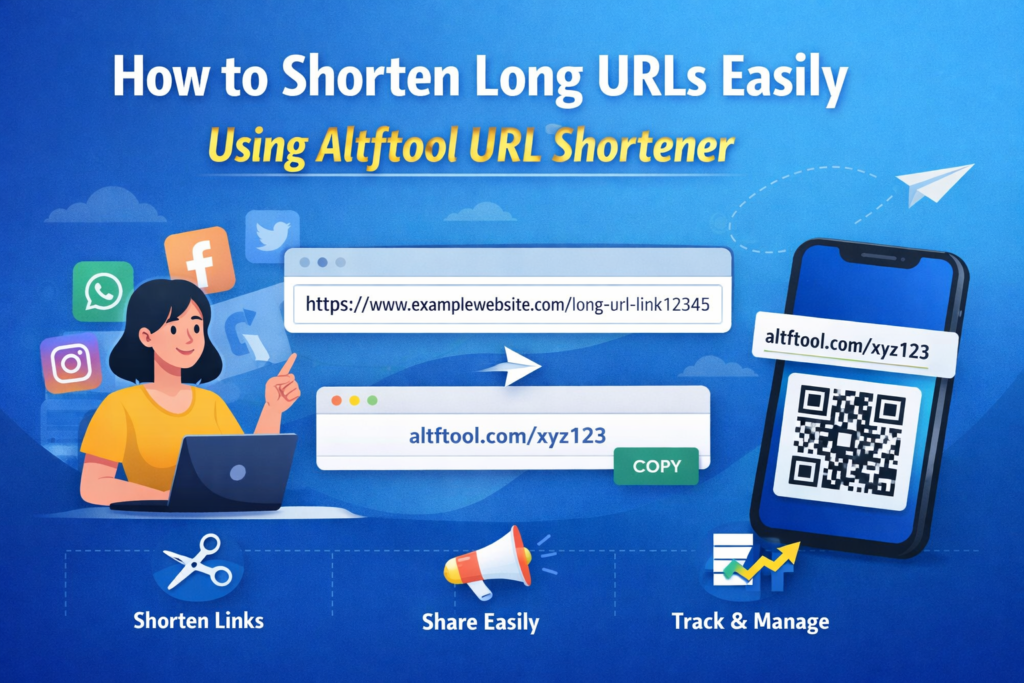
In today’s digital world, sharing links has become a daily activity. Whether you are sharing a blog post, product page, social media link, or any online resource, long URLs can look messy and unprofessional. Long links are often difficult to remember, share, and manage, especially on social media platforms where space is limited.
This is where a URL shortener becomes extremely useful. With the help of Altftool, you can easily convert long and complex URLs into short, clean, and shareable links within seconds. A shortened link looks more professional and is much easier to share across platforms like social media, emails, and messaging apps.
In this guide, you will learn how to shorten long URLs easily using Altftool URL Shortener and why it is a helpful tool for bloggers, marketers, and everyday internet users.
What is a URL Shortener?
A URL shortener is an online tool that converts a long web address into a shorter and more manageable link. Instead of sharing a long and complicated URL, you can create a short version that redirects users to the original page.
Why URL Shorteners Are Important
URL shorteners provide several benefits when sharing links online.
Cleaner and Professional Links
Short links look more organized and professional compared to long URLs filled with random characters and numbers.
Easy to Share
Shortened URLs are easier to copy, paste, and share on social media, emails, and text messages.
Better User Experience
People are more likely to click on a simple and clean link than a long complicated one.
Overview of Altftool URL Shortener
The URL shortener available on Altftool is designed to make link sharing quick and easy. It allows users to convert long URLs into short links in just a few seconds without complicated steps.
Key Features of the Tool
Fast Link Shortening
The tool quickly converts long links into short ones within seconds.
User-Friendly Interface
The interface is simple and easy to use, making it suitable for beginners.
Free to Use
Users can shorten links without paying any fee.
Quick Sharing
Once the short link is created, it can be instantly copied and shared anywhere online.
How to Shorten Long URLs Using Altftool
Shortening a link with Altftool is a very simple process. You can create a short link in just a few easy steps.
Step-by-Step Process
Copy Your Long URL
First, copy the long link that you want to shorten.
Open the Altftool URL Shortener
Visit the URL Shortener tool on Altftool.
Paste the URL
Paste the copied link into the URL input box provided on the page.
Click the Shorten Button
Click the “Shorten URL” button to generate the short link.
Copy and Share the Short Link
Once the shortened link is created, copy it and share it anywhere you want.
Benefits of Using Altftool URL Shortener
Using the URL shortener tool provides multiple advantages for individuals and businesses.
Simple Link Management
Short links make it easier to manage multiple URLs when sharing content online.
Ideal for Social Media
Platforms like Twitter, WhatsApp, and Instagram benefit from short links because they save space and look cleaner.
Improved Link Appearance
Short links improve the overall appearance of posts, messages, and marketing content.
Time Saving
Instead of sharing long and complicated URLs, you can create a short link instantly.
Best Use Cases for URL Short Links
Shortened URLs are useful in many online situations.
Social Media Sharing
Short links make posts look neat and easier to click.
Email Marketing
Emails look more professional when they contain clean links.
Blogging and Content Sharing
Bloggers can share links in a more organized way.
Digital Marketing Campaigns
Short URLs help marketers share links efficiently across different platforms.
Conclusion
Long URLs can be difficult to manage and share, but a URL shortener solves this problem easily. With the help of Altftool, you can quickly convert long links into short, clean, and shareable URLs.
Whether you are a blogger, marketer, or casual internet user, using a URL shortener can make your links look more professional and easier to share. By following a few simple steps, you can shorten any long URL and improve the way you share links online.
FAQs
#URLShortener #Altftool #LinkShortener #ShortenURL #OnlineTools #BloggingTools #DigitalMarketing #WebTools #ProductivityTools #SEOtools #Carrerbook #Anslation

