Have you ever visited a website and wondered, “What technology powers this site?” Perhaps you’ve seen a beautifully designed landing page and wanted to know which frameworks or libraries were used to build it. Maybe you’re a developer doing competitive research or a recruiter scouting talent—you need answers fast.
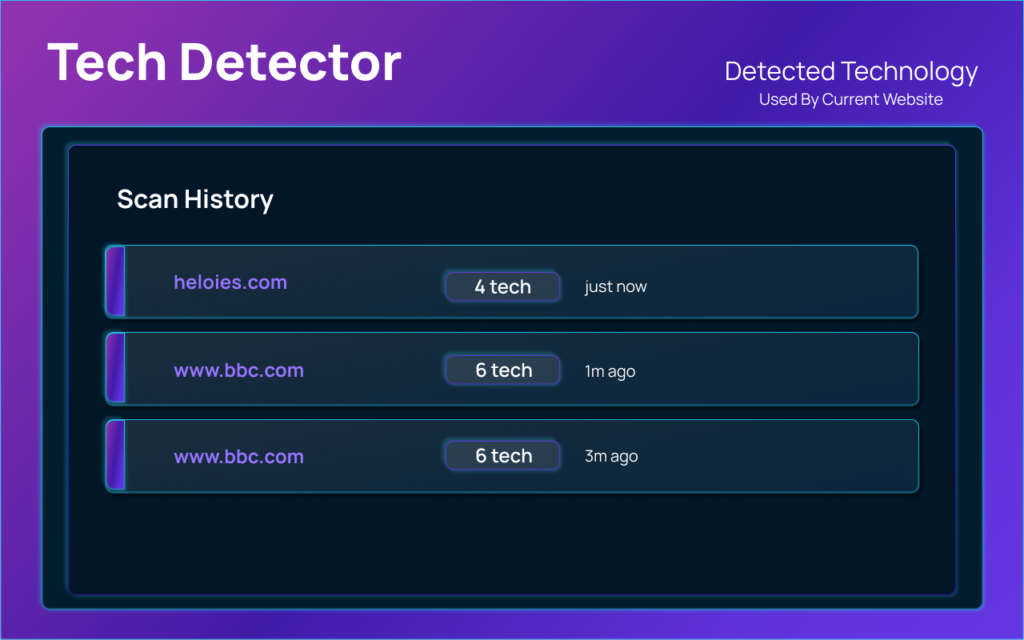
Enter Tech Detector Pro, a powerful Chrome extension that reveals the technology stack behind any website with just a single click. Rated 5.0 stars and trusted by over 10,000 users, this lightweight tool has become an essential companion for developers, designers, digital marketers, and tech enthusiasts alike.
In this comprehensive guide, we’ll explore everything you need to know about Tech Detector Pro—its features, use cases, pricing, and why it stands out in the crowded landscape of technology detection tools.
What Is Tech Detector Pro?
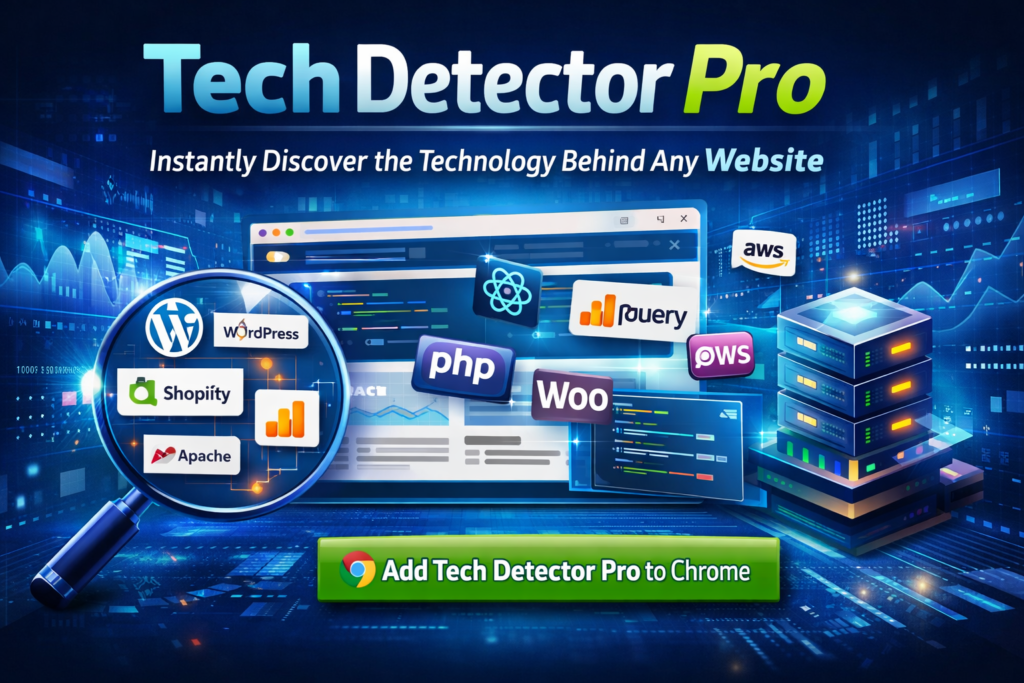
Tech Detector Pro is a browser extension developed for Google Chrome that automatically detects and displays the technologies used to build any website you visit. From content management systems (CMS) like WordPress and Shopify to JavaScript frameworks like React and Vue, from analytics tools like Google Analytics to e-commerce platforms—this extension uncovers them all.
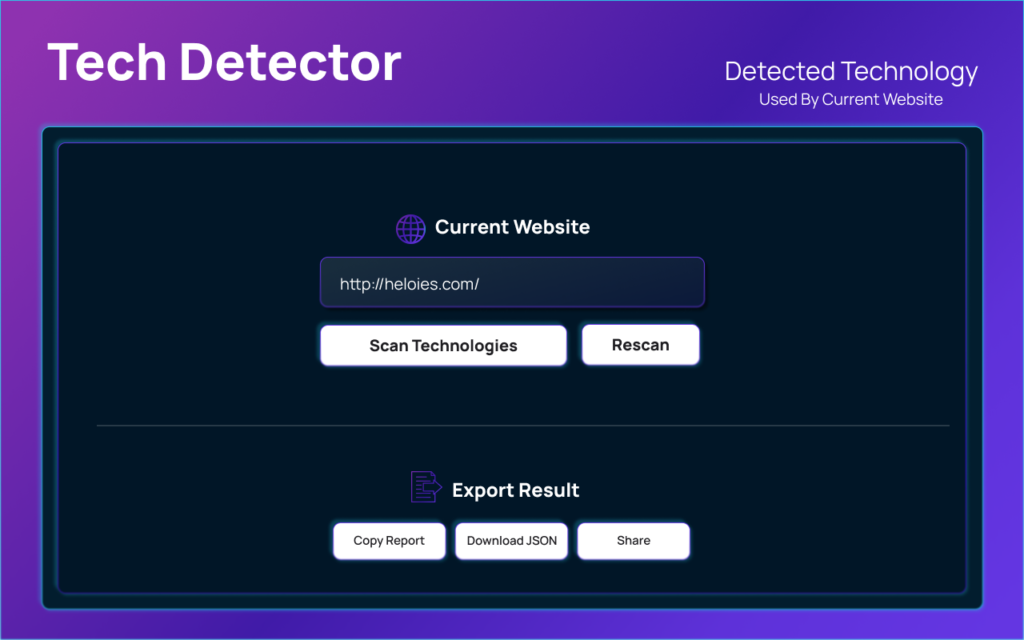
Think of it as X-ray vision for websites. Instead of manually inspecting source code or guessing which tools a site uses, you simply click the extension icon, and within seconds, you’ll see a complete breakdown of the website’s technology stack.
Key Features That Make Tech Detector Pro Stand Out
1. Instant Stack Visualization
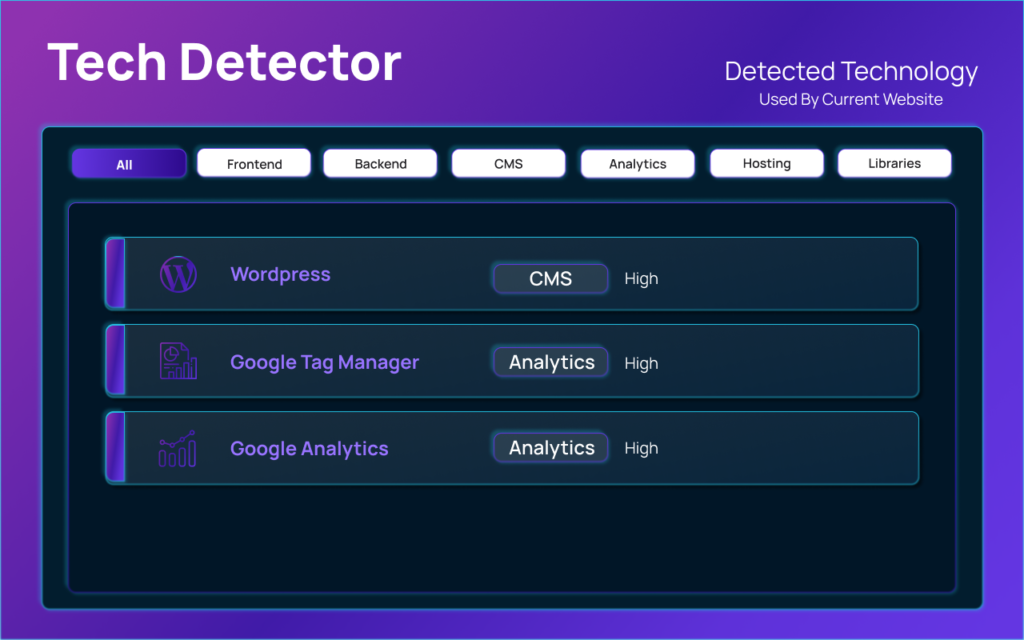
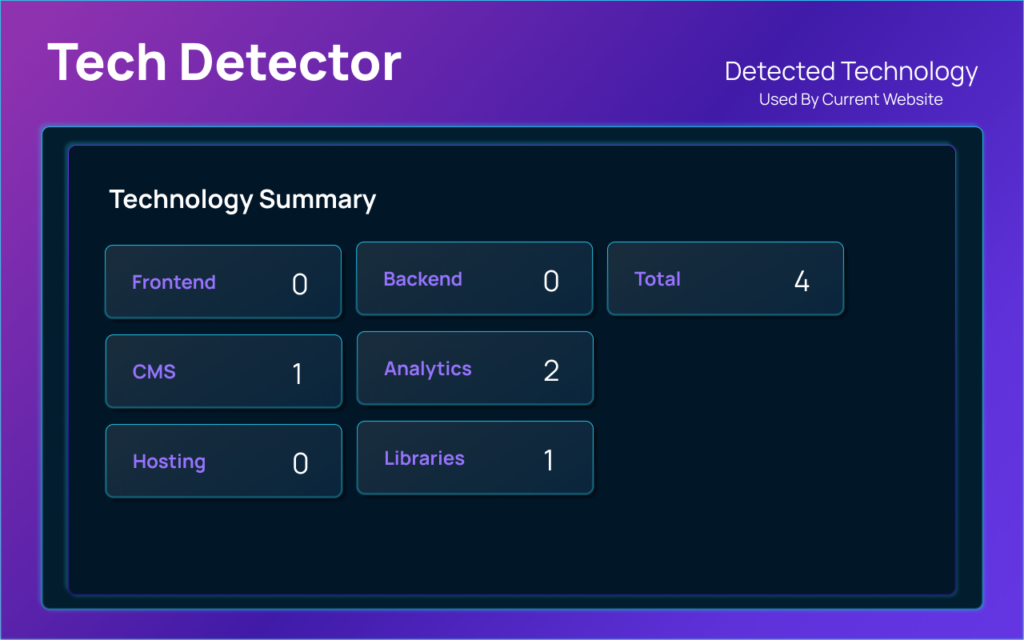
One of the most powerful features of Tech Detector Pro is its ability to visualize a website’s entire technology stack at a glance. The extension displays a clean, organized breakdown of:
- Frontend Frameworks (React, Angular, Vue, jQuery, etc.)
- Backend Technologies (Node.js, PHP, Python, Ruby, etc.)
- Content Management Systems (WordPress, Drupal, Wix, etc.)
- E-commerce Platforms (Shopify, WooCommerce, Magento, etc.)
- Analytics & Marketing Tools (Google Analytics, Facebook Pixel, HubSpot, etc.)
- CDNs and Hosting Services (Cloudflare, AWS, Vercel, Netlify, etc.)
This instant visualization saves you hours of manual research and gives you actionable insights in seconds.
2. Version Detection
Knowing which technology a site uses is valuable—but knowing the exact version takes your analysis to the next level. Tech Detector Pro goes beyond basic detection and identifies specific versions of libraries and frameworks being used.
This is particularly useful for:
- Security professionals checking for outdated/vulnerable versions
- Developers ensuring compatibility with specific technology versions
- Researchers studying technology adoption trends
3. Detailed Library Insights
Tech Detector Pro doesn’t just stop at major frameworks. It also detects:
- CSS Frameworks (Bootstrap, Tailwind CSS, Foundation, etc.)
- JavaScript Libraries (Lodash, Moment.js, Axios, etc.)
- Font Libraries (Google Fonts, Font Awesome, etc.)
- API Services (Stripe, Twilio, Firebase, etc.)
This granular detail makes it an incredibly powerful tool for deep technical analysis.
4. Privacy-First Approach
In an era where user privacy is increasingly important, Tech Detector Pro stands out by being 100% privacy-focused:
- ✅ No tracking — The extension doesn’t collect or share any user data
- ✅ No advertisements — Clean, ad-free experience
- ✅ Local processing — All analysis happens on your device; no data is sent to external servers
You can browse and analyze websites with complete peace of mind.
Who Should Use Tech Detector Pro?
Web Developers
- Research competitor websites for inspiration
- Check what technologies potential clients are currently using
- Learn from industry leaders by analyzing their tech stacks
UX/UI Designers
- Discover which frameworks enable specific design patterns
- Understand technical possibilities and limitations
- Find inspiration from well-built websites
Digital Marketers & SEO Specialists
- Analyze competitor marketing technology stacks
- Identify analytics and tracking solutions used by industry leaders
- Benchmark technology adoption in your niche
Tech Recruiters
- Quickly assess candidate’s previous work by analyzing their project websites
- Understand technology requirements for job positions
- Identify trending technologies in the industry
Security Researchers
- Identify potentially vulnerable technology versions
- Conduct preliminary reconnaissance for security audits
- Map technology landscapes of target organizations
How Tech Detector Pro Works
Using Tech Detector Pro is incredibly simple:
- Install — Add the extension to your Chrome browser from the Chrome Web Store
- Navigate — Visit any website you want to analyze
- Click — Click the Tech Detector Pro icon in your browser toolbar
- Discover — Instantly see the complete technology stack displayed
There’s no complex configuration or steep learning curve. It’s designed to be intuitive and seamless, integrating naturally into your browsing workflow.
Technical Details
| Specification | Details |
|---|---|
| Version | v1.2.0 |
| Platform | Google Chrome |
| Downloads | 10,000+ |
| License | MIT Open Source |
| Rating | 5.0/5.0 |
Why Choose Tech Detector Pro Over Alternatives?
1. Free & Open Source
Tech Detector Pro is available under the MIT license, meaning it’s free to use with no hidden costs. You’re not the product—there are no premium tiers or paywalls.
2. Lightweight & Fast
Unlike some technology scanners that require API calls or server-side processing, Tech Detector Pro runs entirely in your browser. It’s lightweight, fast, and doesn’t slow down your browsing experience.
3. Regular Updates
With version 1.2.0, the extension continues to evolve, adding support for new technologies and improving detection accuracy.
4. No Learning Curve
Some technology detection tools require configuration, API keys, or technical expertise. Tech Detector Pro works out of the box—no setup required.
Real-World Use Cases
Scenario 1: Freelance Developer Research
You’re a freelance developer bidding on a project for a mid-sized e-commerce business. Before your discovery call, you use Tech Detector Pro to analyze their current website. You discover they’re using WooCommerce on WordPress with Elementor. This insight allows you to:
- Propose relevant WordPress development services
- Identify potential migration opportunities
- Speak intelligently about their current setup
Scenario 2: Competitive Analysis
You’re a product manager at a SaaS company. You use Tech Detector Pro to analyze your top three competitors. Within an hour, you have a comprehensive report on:
- Which frameworks they use (React vs. Vue)
- What analytics tools they trust (Mixpanel vs. Amplitude)
- Their hosting infrastructure (Vercel vs. AWS)
Scenario 3: Career Development
You’re a junior developer building your portfolio. You use TechDetector Pro to analyze websites you admire—identifying which technologies and libraries they use. This helps you:
- Prioritize learning technologies in demand
- Build projects that showcase relevant skills
- Understand industry standards
Getting Started with Tech Detector Pro
Ready to supercharge your website analysis? Here’s how to get started:
- Visit the Chrome Web Store — Get Tech Detector Pro
- Add to Chrome — Click “Add to Chrome” and confirm installation
- Start Exploring — Navigate to any website and click the extension icon
That’s it! You’re now equipped with X-ray vision for the web.
Conclusion
In a digital landscape where technology choices can make or break a project, Tech Detector Pro provides the insights you need to make informed decisions. Whether you’re a developer, designer, marketer, recruiter, or curious learner, this extension unlocks a wealth of technical knowledge at your fingertips.
With its instant detection, version insights, privacy-first approach, and zero cost, Tech Detector Pro represents everything a browser extension should be—useful, reliable, and respectful of users.
Download Tech Detector Pro today and start uncovering the technology stacks behind the websites you visit. Your next breakthrough idea might be just one click away.
| Feature | Rating |
|---|---|
| Ease of Use | ⭐⭐⭐⭐⭐ |
| Detection Accuracy | ⭐⭐⭐⭐⭐ |
| Speed | ⭐⭐⭐⭐⭐ |
| Privacy | ⭐⭐⭐⭐⭐ |
| Value | ⭐⭐⭐⭐⭐ |
Final Verdict: Tech Detector Pro is an essential tool for anyone working in web development, design, marketing, or tech recruitment. Install it today and transform how you analyze websites.
#TechDetectorPro #WebsiteTechnology #TechStack #BrowserExtension #Carrerbook #Anslation #WebDevelopment #DeveloperTools #TechTools #WebsiteAnalyzer