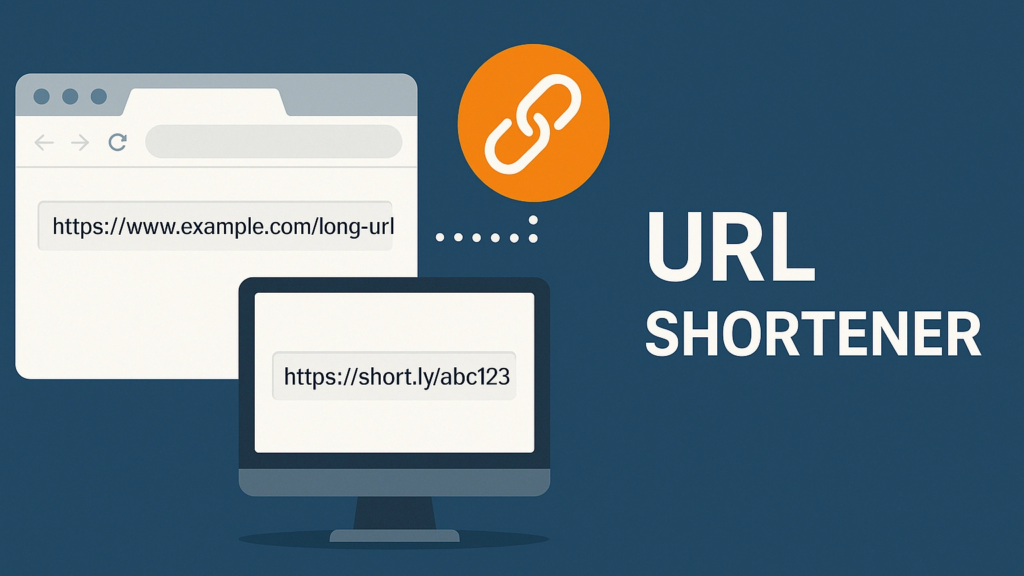
In today’s fast-paced digital world, long URLs can be cumbersome, difficult to remember, and unprofessional when shared with others. Whether you’re a social media manager, a developer, a content creator, or just someone who wants to share links cleanly, a URL shortener has become an essential tool. Among the many options available, the URL Shortener Extension by AltFTools stands out as a powerful, privacy-focused solution that works directly within your browser.
This comprehensive guide will walk you through everything you need to know about this extension — from its core features and functionality to installation, use cases, and how it compares to other solutions in the market.
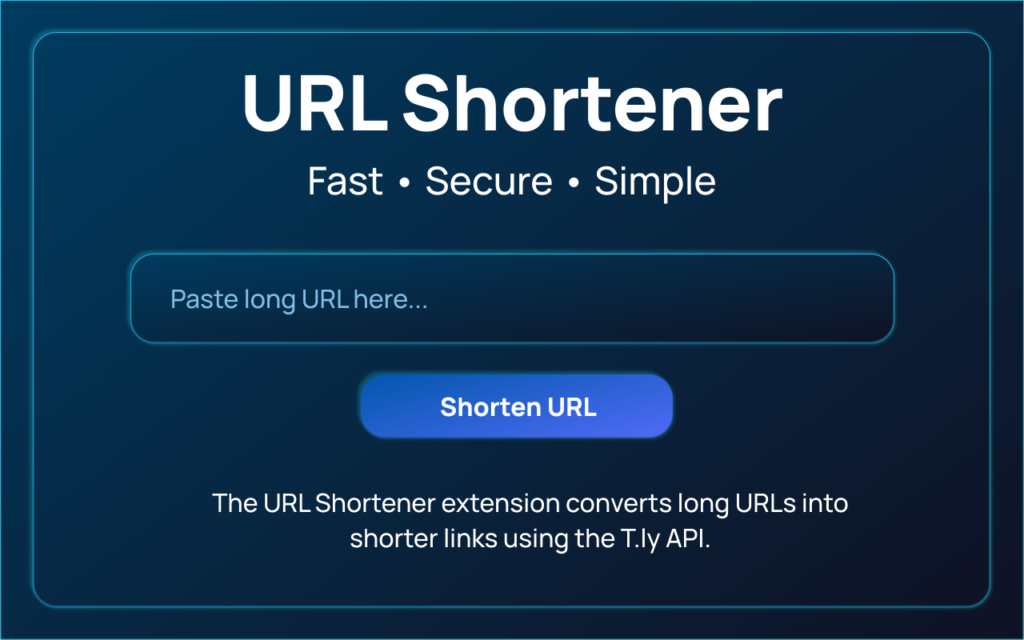
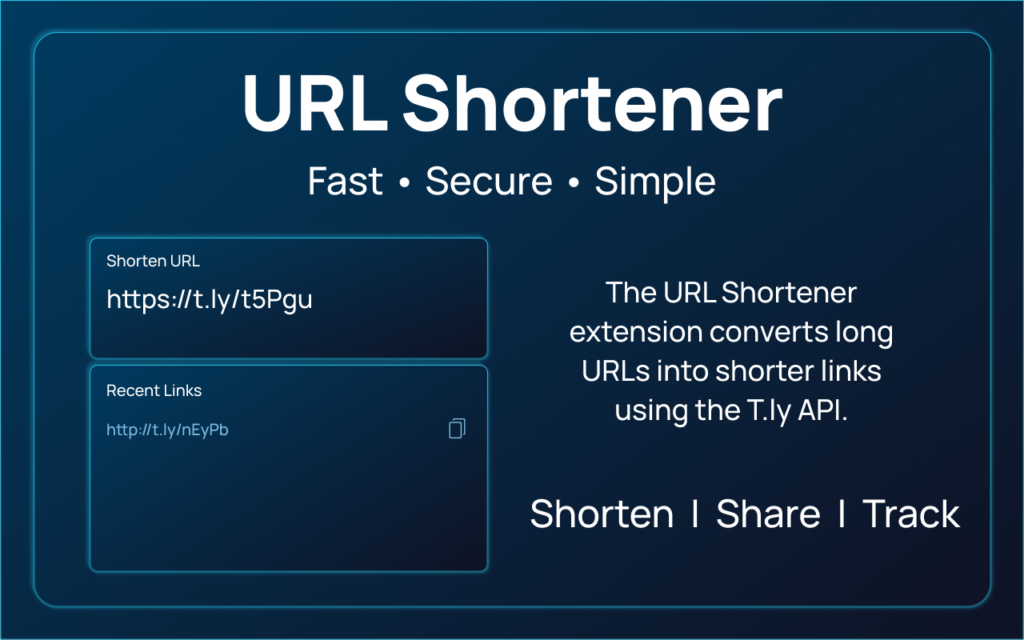
What Is the URL Shortener Extension?
The URL Shortener Extension is a lightweight Chrome browser extension developed by AltFTools. It allows users to convert long, unwieldy URLs into short, clean, and shareable links with just a single click — all without leaving your browser.
Unlike traditional web-based URL shortening services that require you to visit a website and paste your link manually, this extension integrates seamlessly into your Chrome browser, making the process faster and more convenient. It’s designed specifically for users who value simplicity, privacy, and efficiency.
Key Features and Capabilities
The URL Shortener Extension comes packed with a range of features that make it a versatile tool for both personal and professional use. Let’s take a closer look at each one:
1. One-Click URL Shortening
The primary function of this extension is to generate short URLs instantly. With a single click on the extension icon, you can shorten the current URL you’re viewing or paste any URL to generate a compact version. This eliminates the need to visit third-party websites, copy-paste links, and navigate through ads or sign-up prompts.
2. Click Tracking
Understanding how your links perform is crucial, especially if you’re sharing them for business or marketing purposes. The extension includes built-in click tracking functionality, which allows you to monitor how many times your shortened links have been clicked. This feature provides valuable insights into link engagement and helps you measure the effectiveness of your sharing strategy.
3. Custom Alias Support
One of the standout features of this extension is the ability to create custom aliases for your shortened URLs. Instead of random strings of characters, you can create memorable, branded short links that reflect your identity or business. For example, instead of bit.ly/3xYz12, you could have yourbrand.com/promo — making your links more professional and easier to remember.
4. QR Code Generation
In addition to shortened URLs, the extension also offers QR code generation. This is particularly useful for offline marketing, printed materials, business cards, or any scenario where users need to scan a code with their smartphone to access your link. The generated QR codes are clean, high-quality, and ready to use immediately.
5. Privacy-First Design
Perhaps the most distinguishing aspect of the URL Shortener Extension is its commitment to privacy. The extension does not track your browsing activity, does not serve ads, and stores all data locally on your device. Your information remains entirely under your control, which is a significant advantage over many competing services that monetize user data.
Installation and Setup
Getting started with the URL Shortener Extension is straightforward. Here’s a step-by-step guide to help you install and set it up:
Step 1: Access the Chrome Web Store
Open Google Chrome and navigate to the Chrome Web Store. Search for “URL Shortener Extension by AltFTools” or use the direct store link: https://chromewebstore.google.com/detail/url-shortener/eapmpejmhfgjmagkfbjpmmbhppfljeom.
Step 2: Add to Chrome
Click on the Add to Chrome button. A pop-up will appear requesting permissions — review them and click Add extension to confirm.
Step 3: Pin the Extension
Once installed, the extension icon will appear in your Chrome toolbar. For easier access, right-click the icon and select Pin to keep it visible at all times.
Step 4: Start Shortening
Visit any website with a long URL, click the extension icon, and your short link will be generated instantly. You can also access additional options like custom aliases and QR codes from the extension popup.
User Experience and Interface
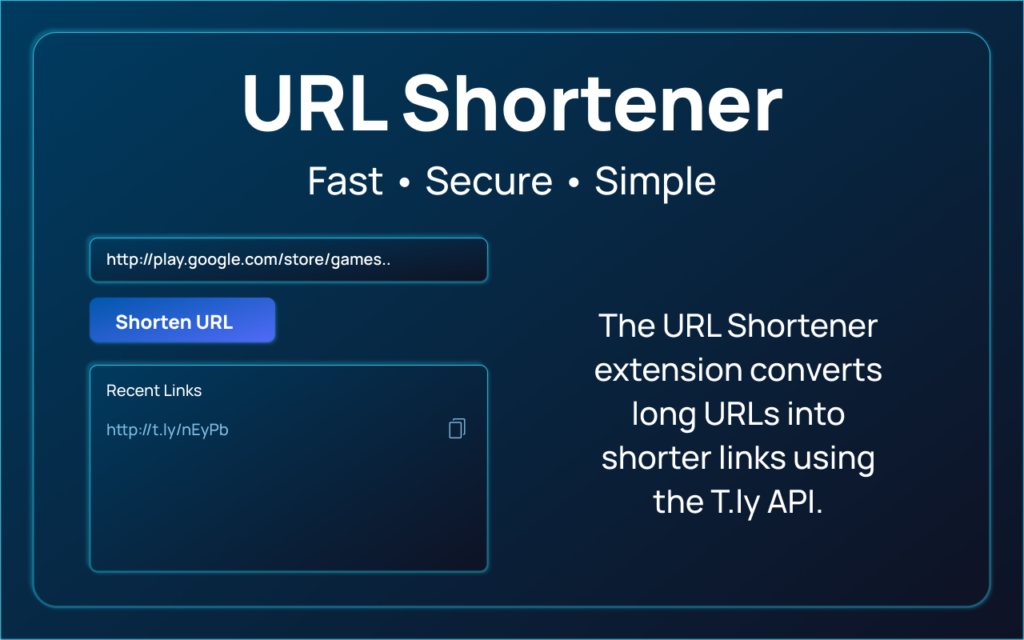
The extension is designed with simplicity in mind. Its clean, minimalist interface ensures that even first-time users can navigate it without difficulty. The main popup displays your current URL and provides options to:
- Shorten the URL with a single click
- Generate a custom alias
- Create a QR code
- View click statistics
There are no cluttered menus, no confusing settings, and no unnecessary features — just exactly what you need, when you need it.
Use Cases and Practical Applications
The versatility of the URL Shortener Extension makes it useful across a wide range of scenarios:
Social Media Marketing
Platforms like Twitter have character limits, making long URLs impractical. Shortened links free up valuable character space while maintaining a professional appearance.
Email Campaigns
Long URLs in emails can break or look unprofessional. Shortened links are cleaner, easier to click on mobile devices, and can be tracked for engagement.
Digital Marketing
Track click-through rates on ads, promotions, and affiliate links to measure ROI effectively.
Offline Materials
Generate QR codes for printed flyers, business cards, event posters, and product packaging.
Developer and Designer Workflows
Quickly share project links, documentation, or design mockups with colleagues and clients using memorable custom aliases.
Privacy and Security
In an era where data privacy is a growing concern, the URL Shortener Extension offers peace of mind:
- No Data Tracking: The extension does not collect or transmit any personal or browsing data to external servers.
- No Advertisements: Unlike free URL shortening services that often monetize through ads, this extension is ad-free.
- Local Storage: All your shortened links and settings are stored locally on your device, giving you full control over your data.
- Open Source License: Released under the MIT License, the extension’s code is transparent and can be audited for security.
Comparison with Other URL Shorteners
To give you a clearer picture, here’s how the AltFTools URL Shortener Extension stacks up against some popular alternatives:
| Feature | AltFTools Extension | Bitly | TinyURL | Rebrandly |
|---|---|---|---|---|
| Platform | Chrome Extension | Web/App | Web | Web/App |
| Click Tracking | ✅ | ✅ (Paid) | ❌ | ✅ |
| Custom Aliases | ✅ | ✅ (Paid) | ✅ (Paid) | ✅ |
| QR Codes | ✅ | ✅ | ❌ | ✅ |
| Privacy | High (Local Storage) | Moderate | Moderate | Moderate |
| Pricing | Free (MIT) | Free/Premium | Free/Premium | Free/Premium |
As you can see, the extension holds its own against larger, more established services — and in terms of privacy and pricing, it has a clear advantage.
Why Choose This Extension Over Web-Based Tools?
While there are numerous web-based URL shortening services, the AltFTools extension offers several distinct advantages:
- Speed: Shorten URLs without leaving your current page.
- No Sign-Ups: No account required — just install and use.
- No Distractions: No ads, pop-ups, or upselling.
- Privacy: Complete control over your data.
- Offline Capability: Generate QR codes even without an internet connection (cached).
Conclusion
The URL Shortener Extension by AltFTools is a reliable, feature-rich, and privacy-conscious tool that simplifies the process of creating and managing shortened URLs. With its intuitive interface, click tracking, custom alias support, and QR code generation, it caters to a wide variety of user needs — from casual browsing to professional marketing campaigns.
Its 5.0-star rating and 10,000+ downloads on the Chrome Web Store are a testament to its quality and reliability. Whether you’re looking to streamline your workflow, protect your privacy, or create professional-looking links, this extension is a compelling choice.
Additional Resources
- Chrome Web Store Page: URL Shortener Extension
- Developer Website: AltFTools
Final Verdict: If you want a fast, private, and feature-complete URL shortening tool that lives right in your browser, the AltFTools URL Shortener Extension is an excellent addition to your toolkit. Try it today and experience the convenience of one-click link management!
#URLShortener #URLShortenerExtension #LinkShortener #ShortenLinks #ChromeExtension #BrowserExtension #DigitalMarketingTools #SEOtools #ProductivityTools #WebTools #LinkManagement #Carrerbook #Anslation #QRcodeGenerator #MarketingTools #ContentCreators #TechTools #OnlineTools #SecureLinks #SocialMediaMarketing #GrowthTools #FreeExtension