
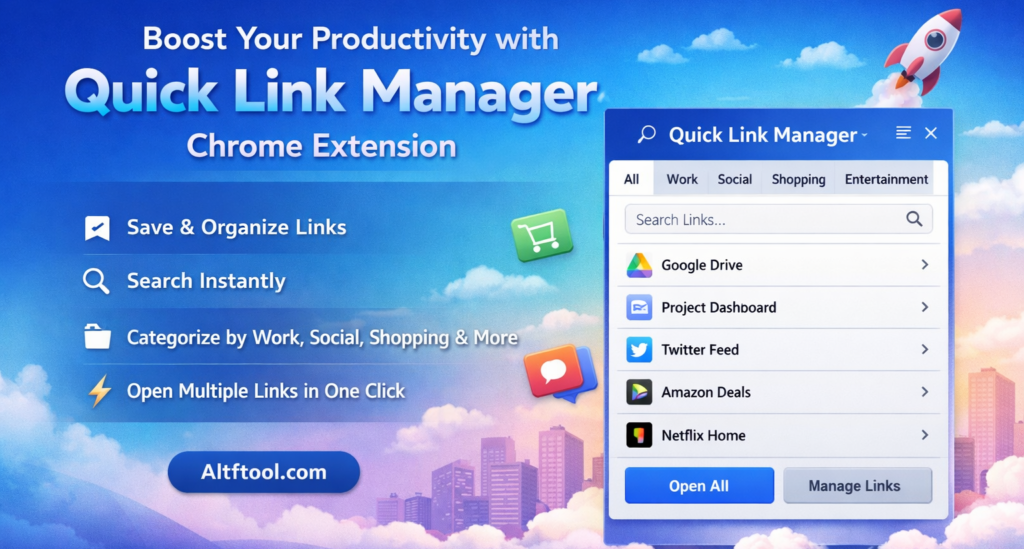
In today’s fast-paced digital life, we constantly switch between multiple websites — work dashboards, research pages, social platforms, and shopping sites. Opening the same links again and again wastes valuable time. That’s where Quick Link Manager becomes a powerful productivity tool.
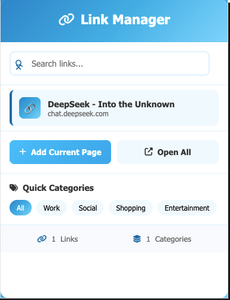
Quick Link Manager is a smart Chrome extension from Altftool.com that helps you save, organize, and instantly access important websites directly from a simple popup. Instead of digging through bookmarks or typing URLs repeatedly, you can manage everything in one clean interface.
A Smarter Way to Manage Your Daily Websites
Traditional bookmarks often become cluttered and hard to manage. Quick Link Manager solves this by automatically organizing links and making them searchable in real time. It works like a mini link hub inside your browser, helping you stay organized without extra effort.
All saved data is securely stored using Chrome sync storage, so your links remain available across all signed-in Chrome devices.
Features That Truly Improve Productivity
Quick Link Manager is designed to make link management effortless and fast. Some of its most useful features include:
- Add Current Page directly from the extension popup
- Save links using right-click context menu
- Automatic categorization into work, social, shopping, entertainment, or general
- Real-time search to instantly find saved links
- Category filtering for better organization
- Open individual links in active or background tabs
- Open multiple filtered links at once with one click
- Delete links anytime to keep your list clean
These features reduce repetitive tasks and save minutes every day — which adds up significantly over time.
How It Works
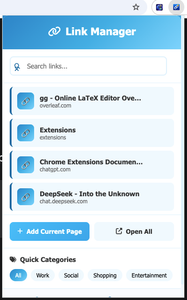
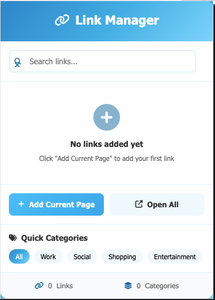
Using Quick Link Manager is simple and smooth. First, open the extension popup. Then save the current page or right-click any link to store it. The extension automatically categorizes and saves it. Later, you can search, filter by category, open links individually, or launch multiple links together using the “Open All” option.
Everything happens within seconds, without interrupting your workflow.
Who Should Use Quick Link Manager?
This extension is perfect for students managing research materials, professionals handling daily work portals, social media managers tracking platforms, and anyone who regularly opens the same websites.
If you value speed, organization, and efficiency, Quick Link Manager can significantly improve your browsing experience.
Final Thoughts
Productivity is not about working harder — it’s about working smarter. Quick Link Manager helps you eliminate small time-wasting habits and replaces them with a fast, organized system.
Start managing your important links more efficiently and make your browsing experience smoother with Quick Link Manager.
FAQS
#QuickLinkManager #Altftool #ChromeExtension #ProductivityTools #LinkManager #BrowserTools #WorkSmart #TimeSavingTools #Carrerbook #Anslation

