
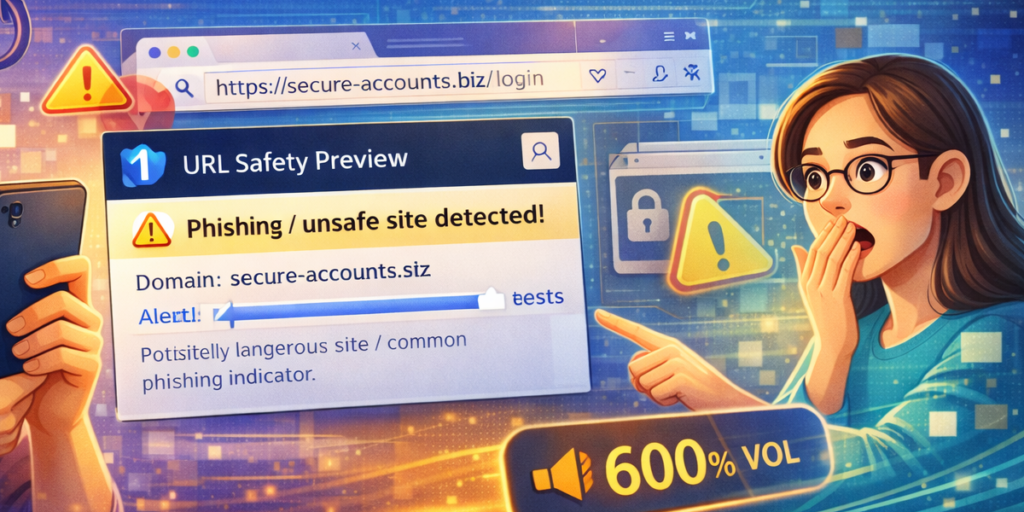
The internet has made communication faster and more convenient, but it has also opened the door to phishing attacks, malicious redirects, and suspicious shortened links. A single careless click can lead to stolen credentials, malware downloads, or compromised personal data.
The safest approach is simple: never trust a link without verifying it first.
That is where URL Safety Preview becomes essential. Designed to protect users before they visit a website, this browser extension analyzes links in real time, assigns a safety score, and allows manual URL inspection. Most importantly, everything operates locally within the browser, ensuring privacy and control.
In this guide, you will learn how to detect phishing and malicious links using URL Safety Preview and how its features strengthen your online security.
Why Phishing and Malicious Links Are Dangerous
Phishing links often imitate legitimate websites. They may look identical to trusted brands but contain subtle domain changes. Malicious URLs can also hide behind shortened links, making it difficult to see the true destination.
Common risks include:
- Fake login pages designed to steal passwords
- Malware downloads disguised as updates
- Suspicious domains with misleading names
- Unsecured HTTP websites lacking encryption
Detecting these threats manually requires technical knowledge. URL Safety Preview simplifies this process.
What Makes URL Safety Preview Effective
URL Safety Preview is built with a clear purpose: protect users from malicious, phishing, shortened, and suspicious links before they click.
It achieves this through:
- A composite safety score system
- Hover-based link previews
- Manual URL analysis
- Customizable block list management
- Local data storage and processing
Unlike tools that rely on external servers, this extension performs analysis directly within the browser. No data uploads. No third-party tracking.
Step-by-Step: How to Detect Phishing Links
Step 1: Install and Activate the Extension
After installation, activate URL Safety Preview from your browser toolbar. Once enabled, it begins monitoring links for safety previews.
Step 2: Hover Over Any Link
Instead of clicking immediately, hover your cursor over a link.
The extension displays a real-time safety tooltip containing a composite safety score ranging from 0 to 100. This score is calculated based on simulated risk factors such as suspicious patterns, insecure protocols, and domain structure.
A lower score indicates higher risk. A higher score suggests safer conditions.
This instant preview allows you to evaluate risk before visiting the site.
Step 3: Manually Analyze Suspicious URLs
If you encounter a shortened or unclear link, open the extension popup and paste the URL into the Manual URL Analysis section.
Within seconds, you receive:
- A safety score
- Risk level breakdown
- Domain information
This deeper inspection is especially useful for links shared through email or messaging platforms.
Step 4: Review Risk Indicators
The interface uses a clear visual system to indicate risk levels.
The Indigo Night themed interface presents safety results in an organized format, making it easy to interpret warnings. Instead of technical jargon, you receive structured, readable information.
Step 5: Block Suspicious Domains
If a link appears dangerous, you can add it to your block list.
Block List Management allows you to:
- Add suspicious URLs
- Remove entries
- Import or export blocked domains
This feature ensures that once a domain is flagged, you avoid it in the future.
Step 6: Adjust Security Settings
The Security Settings Panel gives users greater control. You can configure:
- Automatic safety checks
- HTTP warnings for unsecured sites
- Data management options
These customizable settings allow you to tailor protection according to your browsing habits.
The Importance of Local Processing
One of the strongest aspects of URL Safety Preview is its commitment to privacy.
All analysis and history tracking operate locally within the browser. This means:
- No external servers process your URLs
- No browsing data is uploaded
- Your analysis history remains private
For users concerned about digital privacy, this design offers reassurance without sacrificing functionality.
History Tracking for Ongoing Awareness
The extension stores recently analyzed URLs locally.
This history tracking helps you review past checks, recognize patterns, and remain alert to repeated suspicious domains. It adds another layer of awareness to your browsing routine.
Why Prevention Is Better Than Recovery
Recovering from a phishing attack can be stressful and time-consuming. Resetting passwords, securing accounts, and scanning devices takes far more effort than verifying a link beforehand.
URL Safety Preview promotes proactive security. By encouraging users to hover, inspect, analyze, and block, it shifts online safety from reaction to prevention.
Final Thoughts
Phishing and malicious links are becoming more sophisticated, but simple protective habits can make a significant difference. URL Safety Preview provides a structured and privacy-focused solution for evaluating links before visiting them.
With hover-based previews, manual URL analysis, composite safety scoring, block list management, and local processing, it empowers users to browse with greater confidence.
In a digital environment where threats evolve constantly, having a tool that verifies links before you click is not just helpful — it is essential.
This article is for informational and educational purposes only. While URL Safety Preview provides risk assessment and safety indicators, no tool can guarantee complete protection against all online threats. Users should continue practicing general cybersecurity awareness and safe browsing habits.
#URLSafetyPreview #PhishingProtection #CyberSecurity #SafeBrowsing #LinkChecker #OnlinePrivacy #BrowserSecurity #DigitalSafety #Anslation #Carrerbook #AltfTool #Extansion

