

Why I Started Using a Pomodoro Timer
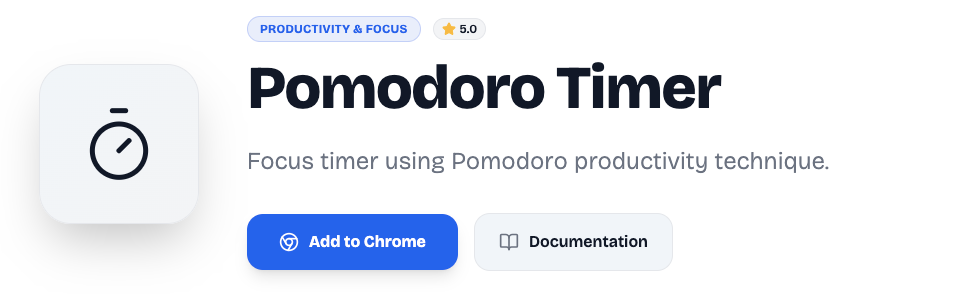
A few months ago, I realized something uncomfortable — I was “working” for hours but not actually getting meaningful work done. Between constant tab switching, social media notifications, and random distractions, my focus was completely broken. That’s when I decided to try a structured focus method based on the Pomodoro Technique, created by Francesco Cirillo.
Instead of downloading a heavy productivity app, I wanted something lightweight that lived right inside my browser. That’s where the Altftool Pomodoro Timer Extension came in — simple, clean, and designed purely for deep work.
A Simple 25-Minute System That Actually Works
The Altftool Pomodoro Timer follows the classic structure:
- 25-minute focused work session
- 5-minute break session
When I open the extension popup, the timer automatically shows the default 25:00 work session. One click on Start, and the countdown begins. No complicated settings. No cluttered dashboard. Just focus.
What I personally love is the automatic switching. Once the timer hits 00:00, it doesn’t just stop — it triggers a Chrome alarm, shows a desktop notification, and smoothly switches into a 5-minute break mode. I don’t have to think about what’s next. The system handles it.
How the Extension Feels in Real Use
From a daily workflow perspective, it’s surprisingly smooth.
When the timer runs:
- It decreases every second while the running state remains active.
- I can Pause if something urgent comes up.
- I can Reset if I need to restart my focus session.
The timer state is stored using chrome.storage.local, which means if I accidentally close the popup, my session doesn’t just disappear. That reliability makes a huge difference when you’re trying to build a focus habit.
The desktop notification at the end of each session feels like a small achievement badge. It’s subtle but effective.
Clean Build with Modern Chrome Technology
One thing I appreciate about this extension is that it’s built using Manifest V3 with a background service worker. That makes it modern, efficient, and aligned with Chrome’s latest extension standards.
The Chrome alarm system ensures that when the timer reaches zero, the session completion is handled properly — even if the popup isn’t open at that exact moment.
It’s simple engineering, but done correctly. And sometimes, that’s exactly what productivity tools need.
What I Wish It Had (Current Limitations)
As much as I enjoy using it, I’ll be honest — there’s room for growth.
Right now, it does not include:
- A 15-minute long break option
- Customizable timer durations
- Task management integration
- Session counters or productivity tracking
- Sound alerts (it uses desktop notifications only)
If you’re someone who loves advanced productivity analytics, you might find it minimal. But if you’re like me and prefer distraction-free simplicity, this actually feels refreshing.
Why It Helps with Deep Work
Deep work isn’t about working longer — it’s about working better. The structure of 25 minutes forces me to commit fully to one task. Knowing a 5-minute break is coming reduces mental resistance.
Over time, I noticed:
- Fewer distractions
- More structured work blocks
- Less burnout
- Higher quality output
And because the timer lives inside my browser, I’m constantly reminded to stay intentional about my time.
Final Thought
The Altftool Pomodoro Timer isn’t trying to be an all-in-one productivity empire. It’s focused, minimal, and purpose-driven — just like the deep work sessions it encourages.
Sometimes, the best productivity tools aren’t the most complicated ones. They’re the ones that quietly support your discipline. And for me, this extension has become that quiet support system inside my browser.
If you’re struggling with distractions or procrastination, starting with a simple 25-minute timer might be the shift you didn’t know you needed.
Frequently Asked Questions (FAQ) – Altftool Pomodoro Timer Extension
Disclaimer : This article is based on personal experience and general observations while using the Altftool Pomodoro Timer extension. Productivity results may vary depending on individual work habits and discipline levels.
#Altftool #PomodoroTimer #DeepWork #ProductivityHacks #TimeManagement #FocusMode #WorkSmart #ChromeExtension #StudyTools #BeatProcrastination #Carrerbook #Anslation

