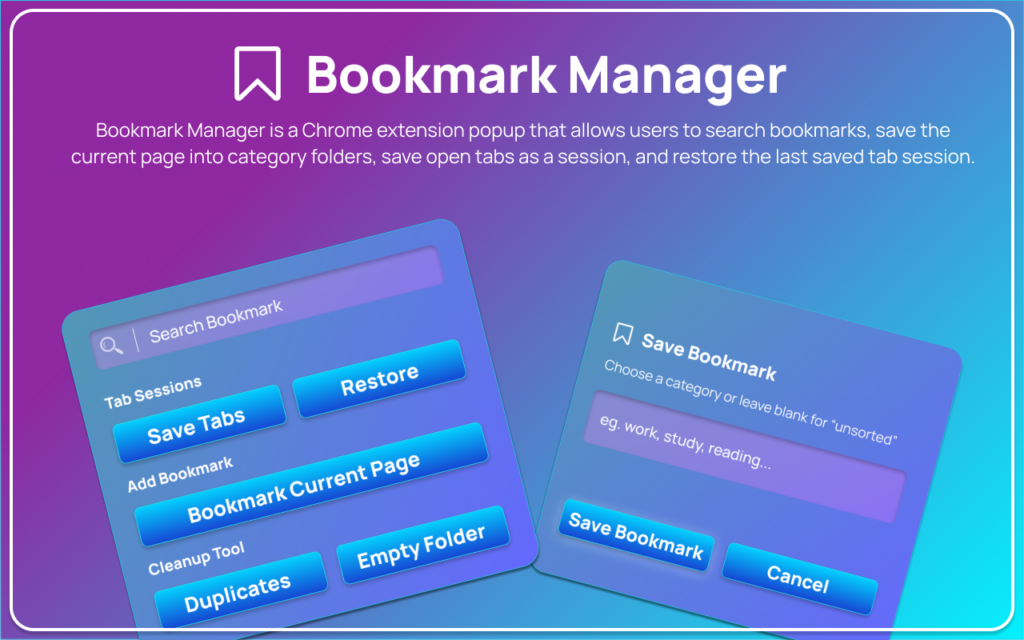
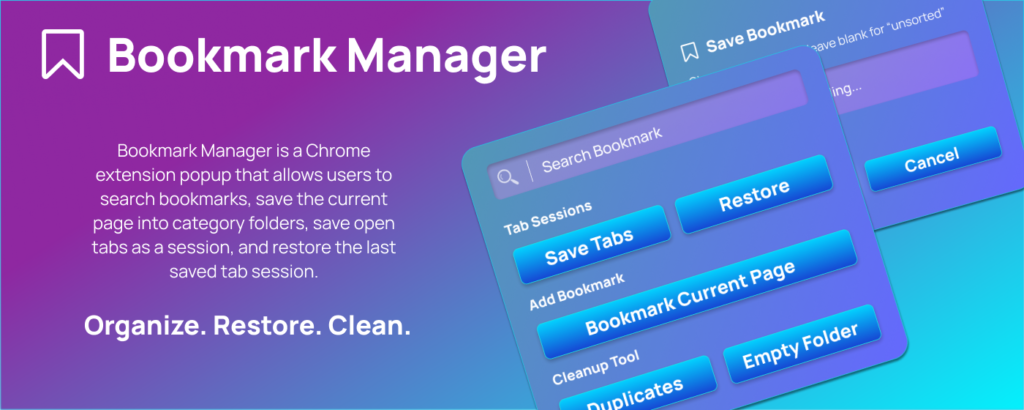
Managing bookmarks and multiple open tabs can quickly become overwhelming, especially during research, work projects, or daily browsing. The Bookmark Manager extension, available on altftool.com, is designed to simplify this process. This Chrome extension allows users to search bookmarks, organize them into category folders, save open tabs as sessions, and restore previously saved sessions — all directly from a clean and easy-to-use popup interface.
Built entirely using Chrome’s native APIs, the extension ensures smooth performance, secure functionality, and seamless browser integration without relying on external systems.
Why Choose Bookmark Manager Extension?
The Bookmark Manager extension is designed to improve productivity and keep your browsing organized. Whether you are working, studying, or researching, it provides quick access and better control over your bookmarks and tabs.
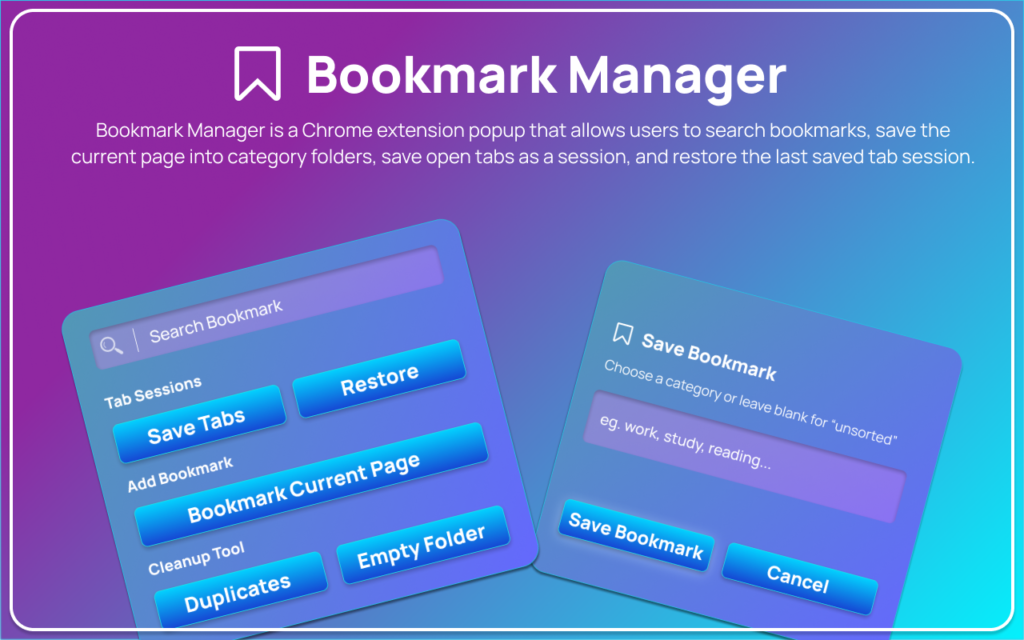
The Bookmark Manager extension offers several powerful advantages that make browsing more organized and efficient. One of its standout features is Instant Bookmark Search, allowing users to quickly locate existing bookmarks and open them in new tabs without wasting time scrolling through folders. It also provides Category-Based Bookmark Saving, enabling users to save the current page into an existing or newly created folder while automatically preventing duplicate URLs.
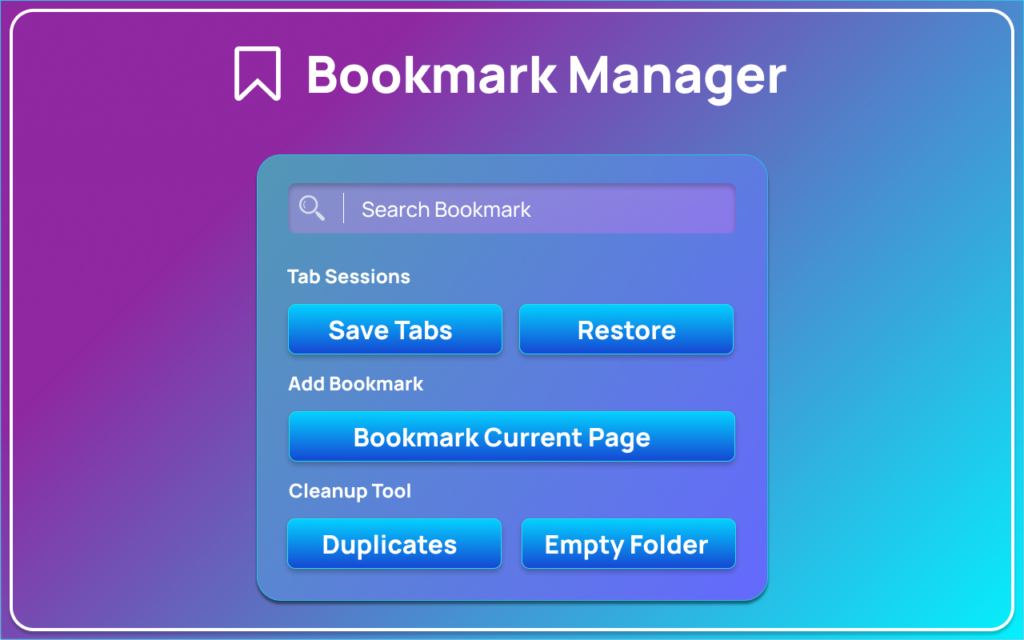
In addition, the extension includes a Save Open Tabs as a Session feature, which stores all open tabs from the active window with just one click—perfect for research or multitasking. The Restore Last Session option makes it easy to reopen previously saved tabs instantly, ensuring important pages are never lost. All of these features are accessible through a Clean Popup Interface, designed with a simple layout that includes a search field, action buttons, status messages, and a category entry modal for a smooth user experience.
How Bookmark Manager Works (User Flow)
Using the Bookmark Manager extension is simple and efficient:
- Open the extension popup from the browser toolbar.
- Use the search field to find existing bookmarks and open them in new tabs.
- Click “Bookmark current page,” enter a category name, and save the page.
- Click “Save current tabs” to store all open tabs from the active window.
- Click “Restore last session” to reopen your previously saved tabs.
This structured workflow ensures that no important tabs are lost and bookmarks remain organized.
Core Features Overview
| Bookmark Search | Uses chrome.bookmarks.search to find bookmarks and open them in new tabs |
| Add Bookmark by Category | Saves current page into existing or new folders while preventing duplicates |
| Save Current Tabs | Stores all open tabs from the active window using chrome.storage.local |
| Restore Last Session | Reopens saved tabs using chrome.tabs.create |
| Popup Interface | Clean popup with search field, buttons, status messages, and modal overlay |
Benefits of Bookmark Manager
- Keeps browsing organized
- Prevents loss of important tabs
- Improves workflow efficiency
- Enables structured bookmark categorization
- Fast and secure Chrome-native performance
- Lightweight and easy to use
Who Can Benefit from Bookmark Manager?
The Bookmark Manager extension is designed to support a wide range of users who want a more organized and efficient browsing experience. Students and researchers can easily manage multiple study materials and research tabs without losing important resources. Professionals benefit by keeping work-related websites structured and accessible, improving productivity during busy schedules. For developers, the extension provides a convenient way to save documentation, coding references, and technical resources for quick access. Content creators can store entire research sessions and reopen them whenever needed, making project management smoother. Even everyday users can use Bookmark Manager to keep personal browsing organized, structured, and clutter-free.
⭐⭐⭐⭐⭐ Bookmark Manager – 5/5 Rating
The Bookmark Manager extension earns a solid 5-star rating for its simplicity, speed, and practicality. It provides a smooth and reliable way to manage bookmarks and tab sessions without unnecessary complexity.
Final Verdict: If you regularly work with multiple tabs and bookmarks, Bookmark Manager is a must-have Chrome extension for better organization and productivity.
Call to Action
Take control of your bookmarks and browsing sessions today.
Install the Bookmark Manager extension from altftool.com and experience smarter, more organized browsing.
Conclusion : The Bookmark Manager extension is a smart and practical solution for anyone who wants better control over their bookmarks and open tabs. By combining bookmark search, category-based saving, tab session storage, and session restoration into one clean popup interface, it eliminates clutter and improves browsing efficiency. Built using Chrome’s native APIs, it delivers smooth
performance and reliable functionality without unnecessary complexity.
FAQs
#BookmarkManager #ChromeExtension #TabManager #Carrerbook #Anslation #AltFtool #BookmarkOrganizer #ProductivityExtension #BrowserTools #TabSessionManager