
Typing is one of the most essential digital skills in today’s world. Whether you are a student, blogger, office professional, or freelancer, fast and accurate typing directly improves productivity and confidence.
To make typing practice simple and effective, Altftool.com Word Typing – Typing Practice Game offers a compact and powerful solution. This browser-based extension is designed to improve typing speed, accuracy, and keyboard familiarity through focused, timed sessions — all within a clean and distraction-free popup interface.
A Simple Yet Powerful Typing Practice Tool
Unlike complex typing platforms that require sign-ups or internet access, this tool works smoothly with local processing. There is no need for external APIs or constant connectivity. You can simply open the extension, choose your session time, and begin practicing instantly.
The main goal of the tool is to help users:
- Increase Words Per Minute (WPM)
- Improve typing accuracy
- Reduce typing errors
- Build consistent daily practice habits
Smart Features That Improve Performance
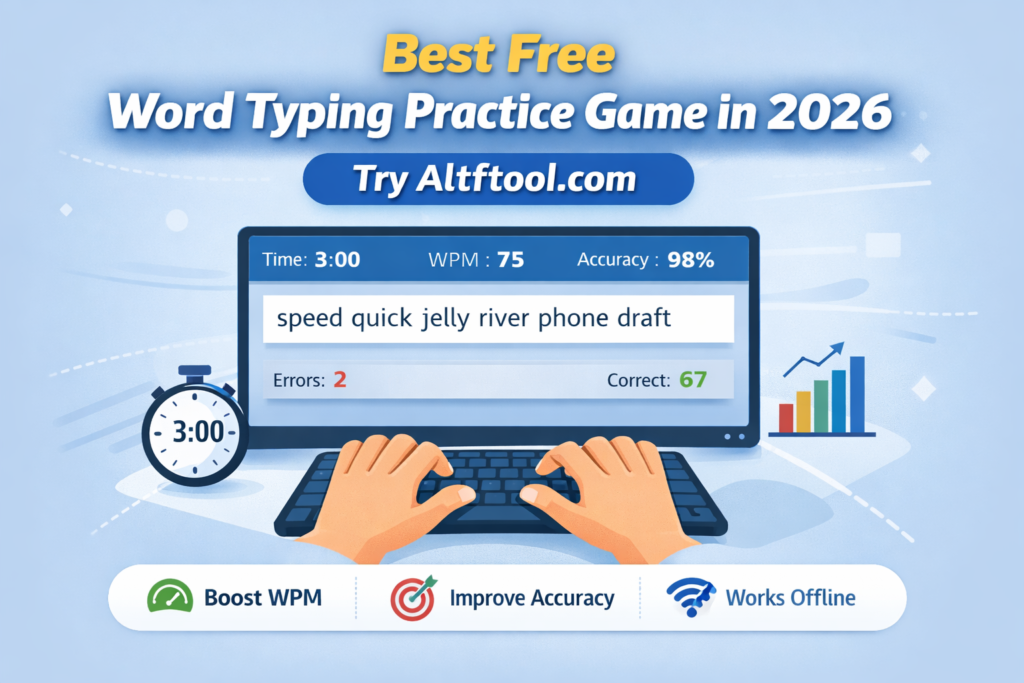
One of the strongest aspects of this typing practice game is its real-time feedback system. As soon as you begin typing, the timer starts automatically and performance tracking begins instantly.
The extension includes timed practice modes of 2, 3, 4, or 5 minutes, allowing users to choose sessions based on their comfort level. Beginners can start with shorter sessions, while advanced users can challenge themselves with longer durations.
During the session, the tool dynamically calculates WPM and displays it live. Accuracy percentage is calculated based on correct keystrokes, while incorrect characters are counted through a built-in error tracker.
Each session generates a new random set of words, ensuring that practice remains engaging and varied. Additionally, character-level feedback highlights correct and incorrect letters immediately, helping users recognize and correct mistakes in real time.
At the end of every session, a results summary appears showing final WPM, accuracy percentage, total errors, and correct characters typed. This makes progress tracking clear and motivating.
How It Works
Using the tool is straightforward. Install the Word Typing extension, open the popup, and select your preferred session duration. Once you start typing, the timer activates automatically. Real-time performance metrics are displayed as you type. After completing the session, review your results and restart to improve your score.
The process is simple, but the impact on typing skills can be significant with consistent practice.
Who Should Use This Tool?
This typing practice game is ideal for students preparing for exams, job seekers practicing for typing tests, content writers aiming to increase productivity, and professionals who want to enhance keyboard efficiency. It is also suitable for beginners who want to build strong foundational typing skills.
Even practicing for just 10–15 minutes daily can lead to noticeable improvements over time.
Why Choose Altftool Word Typing in 2026?
In 2026, productivity tools are expected to be fast, lightweight, and user-friendly. Altftool Word Typing meets all these expectations. It is simple, distraction-free, and performance-focused. Without unnecessary features, it keeps users focused entirely on improvement.
If you are looking for a reliable and free typing practice extension that delivers real-time performance tracking and measurable results, this tool is worth trying.
FAQs
Caption
Boost your typing speed, improve accuracy, and track real-time performance with Altftool Word Typing – the smartest free typing practice game of 2026.
#WordTyping #TypingPractice #Altftool #ChromeExtension #ImproveTyping #WPMTracker #TypingSpeed #ProductivityTools #FreeExtension #DigitalSkills #Carrerbook #Anslation

