Clean formatting, structured documents, and perfectly aligned mathematical expressions — that’s the power of LaTeX. But installing heavy software, configuring compilers, and managing complex setups can feel overwhelming, especially when you just want a quick and professional PDF.
LaTeX to PDF Generator, available on AltFTool.com, brings a complete LaTeX writing and PDF export solution directly into your Chrome browser — fast, lightweight, and fully secure.
What is LaTeX to PDF Generator?
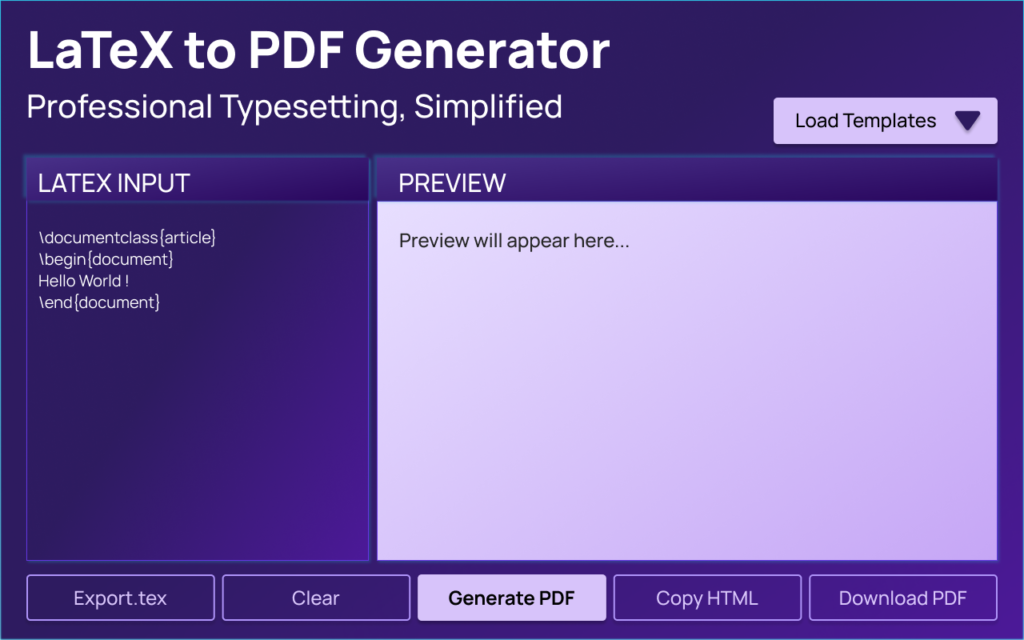
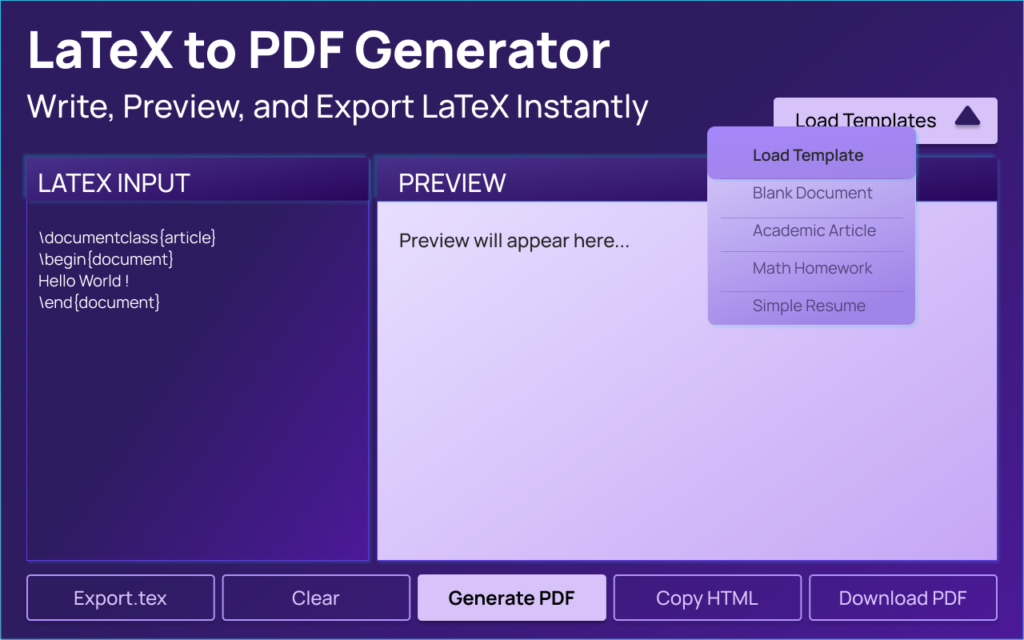
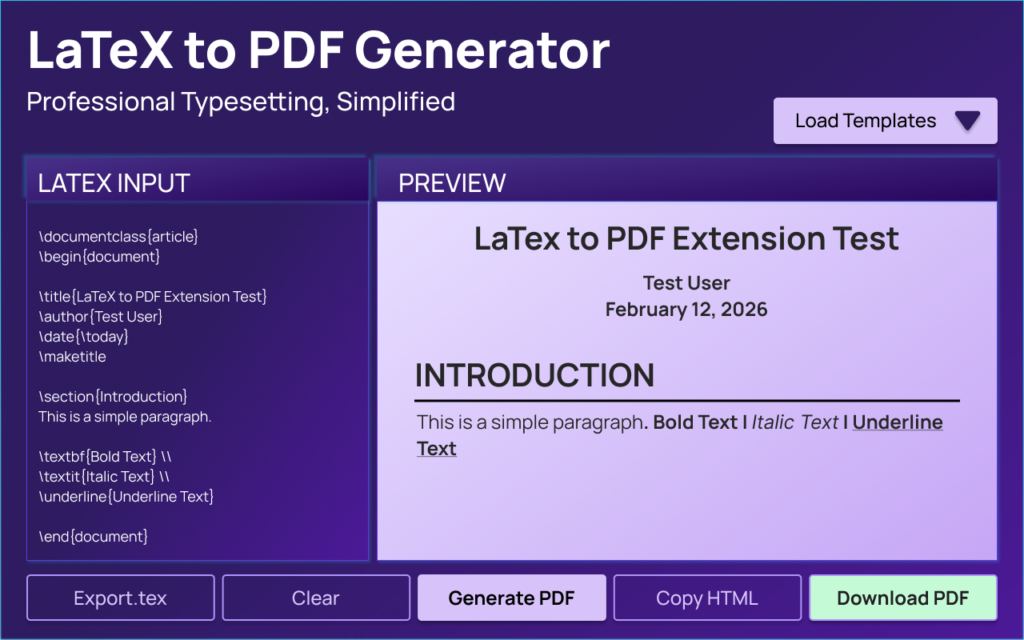
LaTeX to PDF Generator is a Chrome extension that allows you to write LaTeX code, preview the formatted output in real time, and download a print-ready PDF — all without installing any external LaTeX distribution.
Everything runs locally inside your browser, making it a privacy-first and performance-focused tool.
Powerful Features That Make It Stand Out
| Feature | Description |
|---|---|
| Structured & Clean LaTeX Editor | Simple, distraction-free editor designed for smooth LaTeX writing and structured document creation. |
| Real-Time Formatted Preview | Instantly renders formatted output as you type, helping you detect errors quickly. |
| One-Click PDF Export | Generates a clean, print-ready PDF within seconds directly from the browser. |
| Sections & Subsections Support | Easily organize documents using proper LaTeX sectioning commands. |
| Text Formatting Options | Supports bold, italic, and underline formatting for professional styling. |
| Ordered & Unordered Lists | Create structured lists for reports, notes, and documentation. |
| Basic Math Expressions Support | Write and render mathematical formulas and expressions clearly. |
| Fully Offline Processing | All rendering and PDF generation happens locally inside your browser. |
| No External Servers | The extension does not send or process data on any remote server. |
| No Data Collection or Tracking | Ensures complete privacy — no user data is collected or transmitted. |
How This Extension Works
After installing the extension from AltFTool.com, open it directly from your Chrome toolbar. Start typing your LaTeX code in the editor panel. As you write, the preview section instantly renders your formatted document.
Once satisfied with the layout and formatting, open the print-ready version and download your PDF within seconds.
No installations. No uploads. No complicated setup.
Key Benefits
- Saves time by eliminating heavy LaTeX installations
- Speeds up editing with instant preview
- Ensures complete privacy with local processing
- Lightweight and fast inside Chrome
- Beginner-friendly interface
- Secure and modern Chrome standards compliant
- Clean, professional PDF output
Pros & Cons
Pros
- Fast and simple workflow
- Clean user interface
- Privacy-focused design
- Secure local rendering
- No external dependencies
Cons
- Advanced LaTeX package support may be limited
- Designed specifically for Chrome browser users
Security & Privacy Advantage
Unlike many online converters, this extension does not upload your content anywhere. It does not access browsing history or website data. All scripts and resources are packaged within the extension itself.
It follows Chrome Extension Manifest V3 requirements and maintains strict Content Security Policy rules, ensuring safe and controlled execution.
Your document stays on your system — always.
Version 1.0.0 Highlights
- Fully functional LaTeX editor
- Live preview rendering engine
- Secure PDF export workflow
- 100% offline functionality
- Lightweight and optimized performance
For students and professionals who want quick LaTeX formatting without technical hassle, this extension is a smart choice.
Overall Rating: ⭐ 5 / 5
Performance: ⭐⭐⭐⭐⭐
Ease of Use: ⭐⭐⭐⭐⭐
Security: ⭐⭐⭐⭐⭐
Feature Depth: ⭐⭐⭐⭐☆
A powerful, lightweight, and secure LaTeX solution available now on AltFTool.com.
Final Review : LaTeX to PDF Generator delivers exactly what modern users need — speed, simplicity, and security. It removes the complexity traditionally associated with LaTeX tools and replaces it with a smooth, browser-based experience.
FAQs
#LaTeX #LaTeXtoPDF #PDFGenerator #ChromeExtension #Carrerbook #Anslation #AltFtool #ProductivityTools #StudentTools #ResearchTools #AcademicWriting