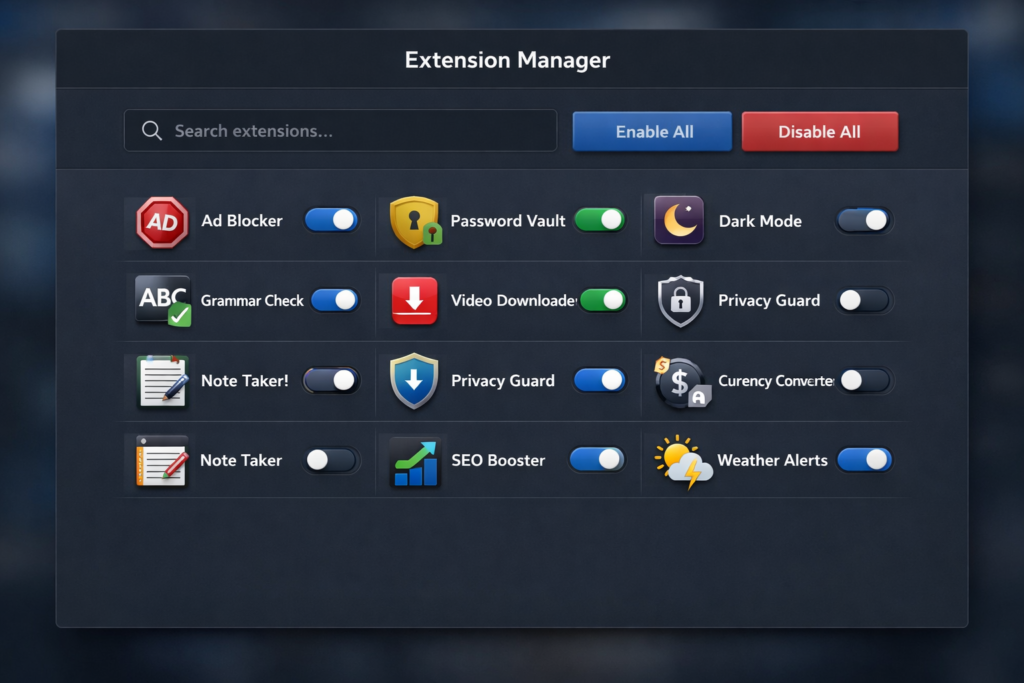
The Extension Manager browser extension is designed to streamline your digital workspace by providing a centralized, high-performance dashboard for all your installed add-ons. It bypasses the often cumbersome internal menus of modern browsers, offering a lightweight alternative that prioritizes speed and functional control.
Core Features and Functionality
The interface is built for efficiency, allowing users to take full control of their browser environment through several key features:
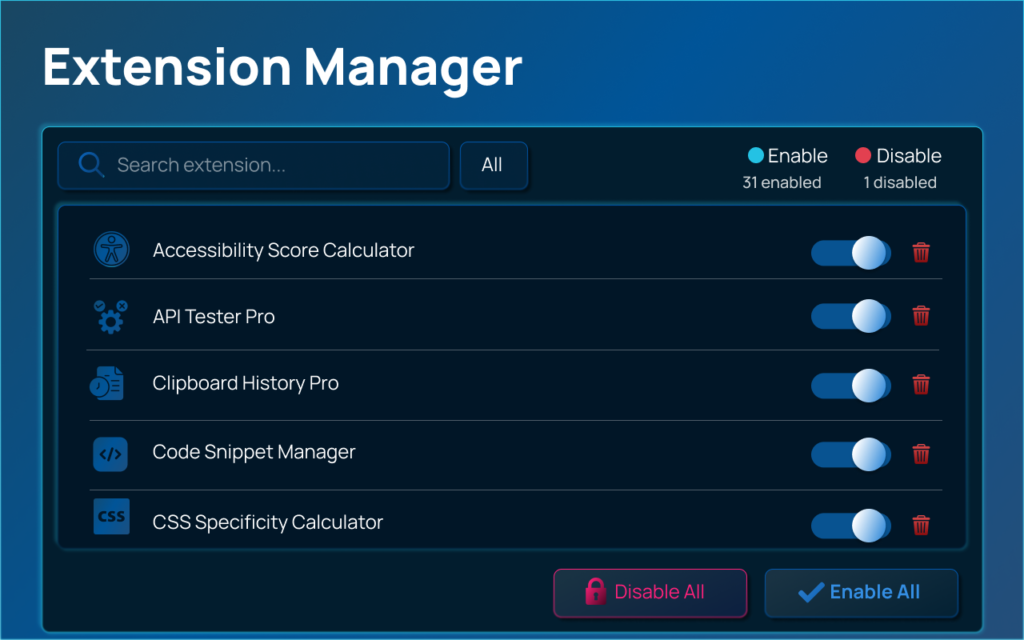
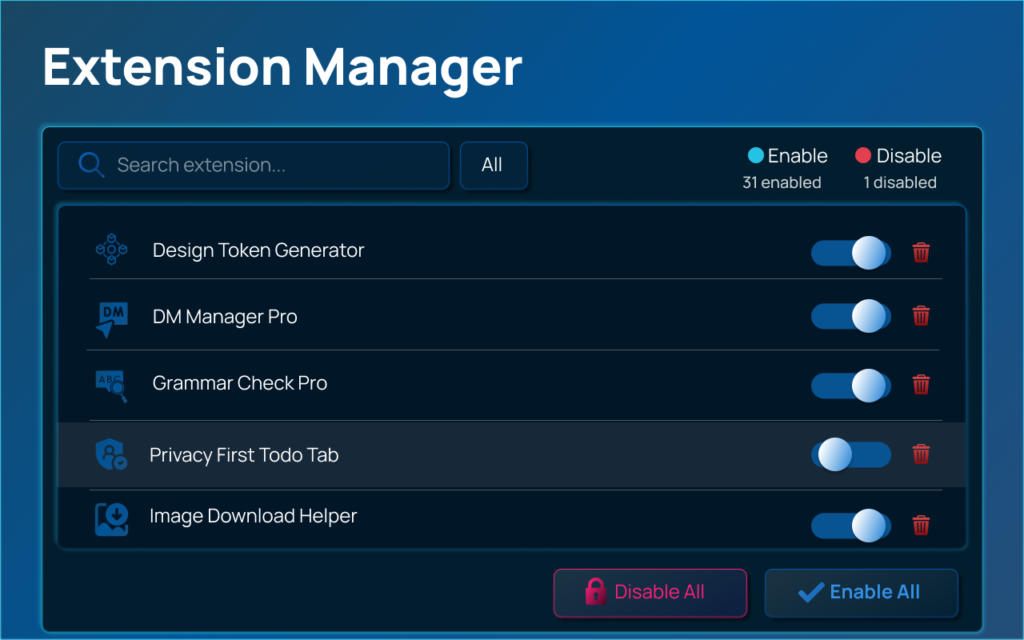
- Instant Toggle (Enable/Disable): Activate or deactivate any extension with a single click. This is ideal for reducing memory usage or temporarily removing distractions without losing your settings.
- Real-time Search: A dynamic search bar that filters extensions by name or description as you type, helping you find specific tools instantly.
- Bulk Management Actions: Troubleshooting is simplified with the ability to “Enable All” or “Disable All” extensions simultaneously. This is a critical feature for identifying conflicting software or optimizing performance for resource-intensive tasks.
- Status Filtering: Organize your view by categorizing extensions into three distinct groups: All, Enabled, and Disabled.
- Integrated Uninstallation: Remove unwanted or suspicious extensions directly from the manager interface without navigating through multiple sub-menus.
- System Protection Awareness: The tool automatically identifies and flags extensions governed by organizational policies. These “locked” extensions are clearly marked to prevent accidental attempts to disable required security or management software.
Navigation and Keyboard Shortcuts
To maintain a fast workflow, Extension Manager supports a suite of keyboard shortcuts that allow for hands-on-keyboard management:
| Action | Windows/Linux | macOS |
|---|---|---|
| Open Manager | Ctrl + Shift + E | Command + Shift + E |
| Focus Search | / or Ctrl + F | / or Command + F |
| Close Interface | Esc | Esc |
Privacy and Security Standards
Extension Manager is built with a “Privacy-First” architecture. It operates entirely locally on your machine, ensuring that your extension data never leaves your device.
- Data Isolation: The extension does not track your browsing history, monitor your online behavior, or collect personal information.
- Zero External Communication: There are no API calls to external servers or telemetry tracking.
- Minimal Permissions: It requires only the
Managementpermission (to toggle and list extensions) andStoragepermission (to remember your UI theme and preferences).
Technical Architecture and Performance
Built using the latest Manifest V3 standards and Vanilla JavaScript, this tool is engineered for users who demand high performance. Because it avoids heavy frameworks and background scripts, it maintains a near-zero memory footprint when not in active use. Unlike default browser managers that can lag when dozens of extensions are installed, this manager is optimized for speed and responsiveness even in crowded environments.
Summary of Benefits
- Speed: Faster access and response times than native browser settings.
- Productivity: Bulk actions and shortcuts reduce the time spent on browser maintenance.
- Troubleshooting: Quickly isolate problematic extensions by disabling everything and re-enabling one by one.
- Transparency: Clearly see what is enabled, what is disabled, and what is forced by your organization.
#ExtensionManager #BrowserExtensions #ChromeExtensions #EdgeAddons #AltFTool #DigitalCleanUp #Anslation #Carrerbook