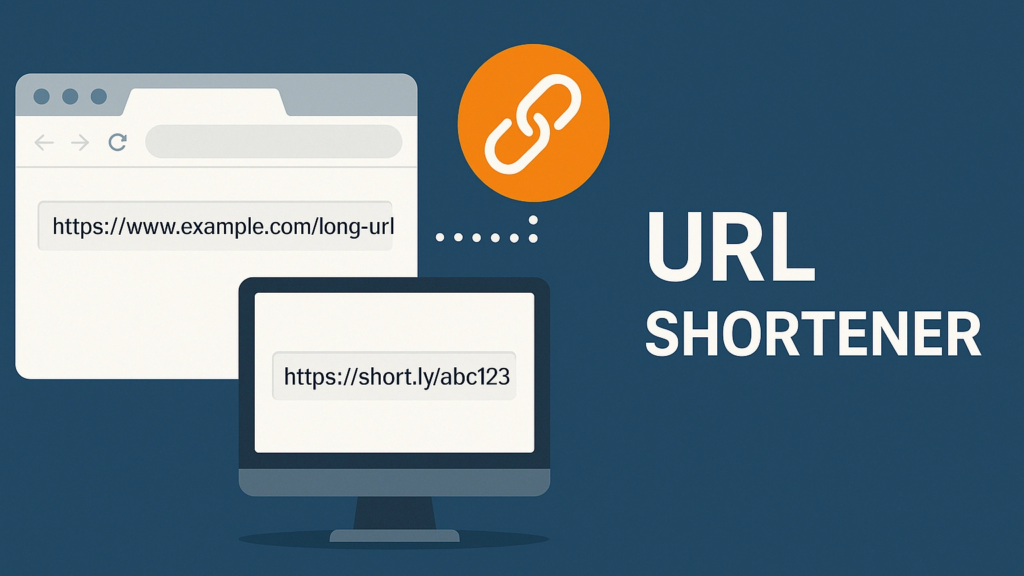
Long, complicated links not only look messy — they can also discourage clicks and make your content seem cluttered. Whether you’re sharing links on social media, adding portfolio URLs to your resume, sending project links, or communicating with clients, clean and compact URLs help you look more professional and boost engagement.
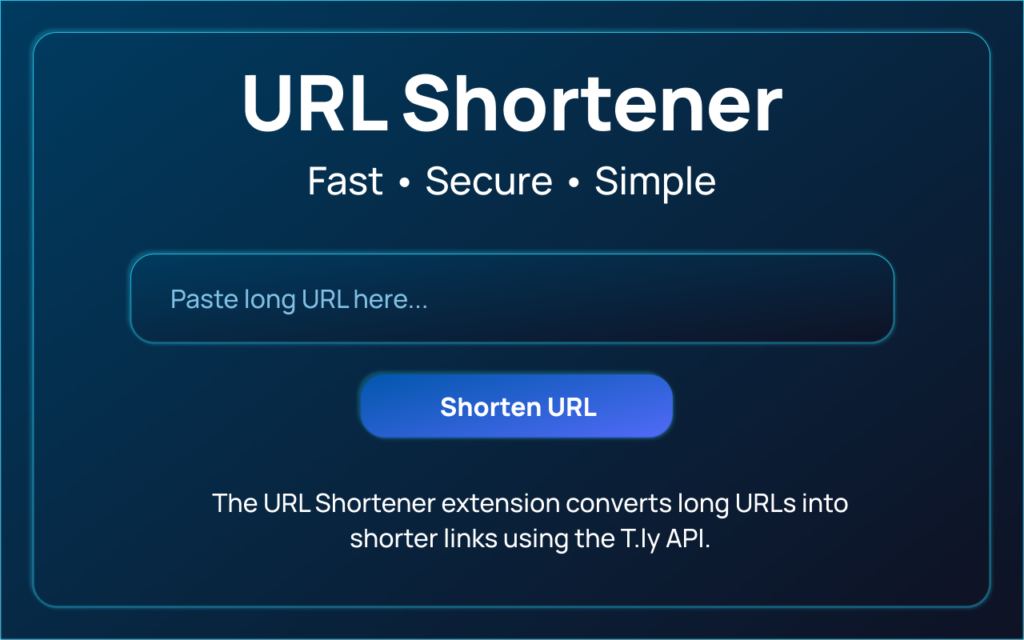
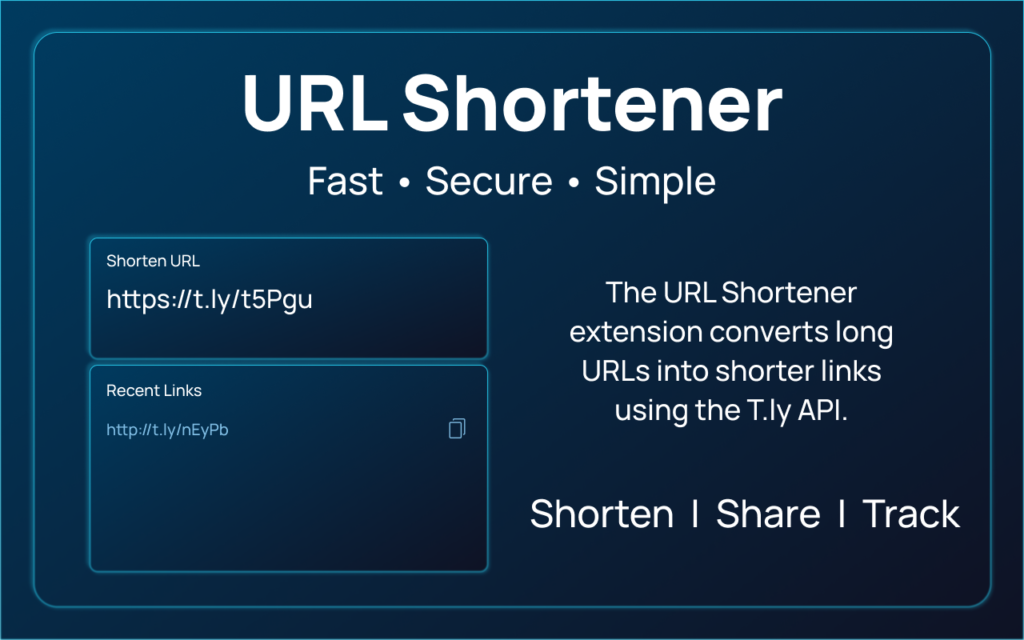
The URL Shortener Extension, available on altftool.com, gives you a fast, secure, and intuitive way to convert long URLs into short, shareable links directly from your browser toolbar. Instead of opening separate websites and copying back and forth, this extension lets you shorten links instantly — saving you time and improving your workflow.
Whether you’re a student, marketer, professional, or creator, this extension makes link management effortless and efficient.
“Clean links make your content look professional and encourage more clicks.”
Features
| Feature | Description |
|---|---|
| Instant URL Shortening | Converts long URLs into short ones in seconds |
| One‑Click Copy | Automatically copies shortened links to clipboard |
| Clean Interface | Minimal, easy‑to‑use design |
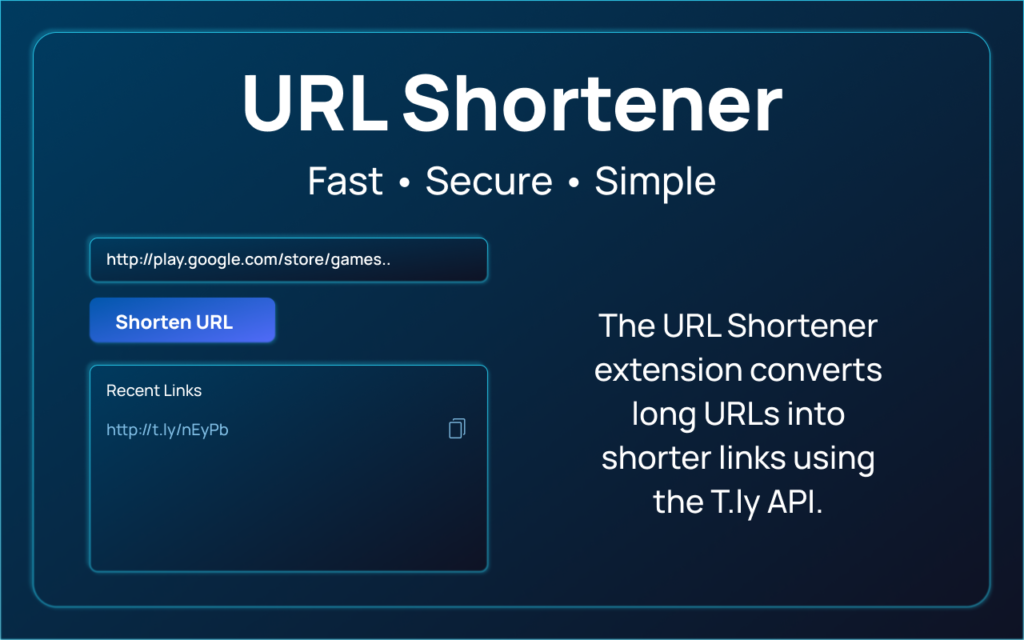
| Link History | Saves recently shortened links for quick access |
| No Ads | Ad‑free user experience |
| No Tracking | No personal data collection or third‑party tracking |
How It Works (Step‑by‑Step)
- Visit altftool.com and go to the URL Shortener Extension page
- Install the extension in your browser
- Open the extension from your toolbar
- Paste the long URL you want to shorten
- Click “Shorten URL”
- Copy your new short link and share it anywhere
This simple flow means you can shorten URLs without leaving your current tab or workflow — perfect for busy users and frequent sharers.
Why This Extension Is Worth Using
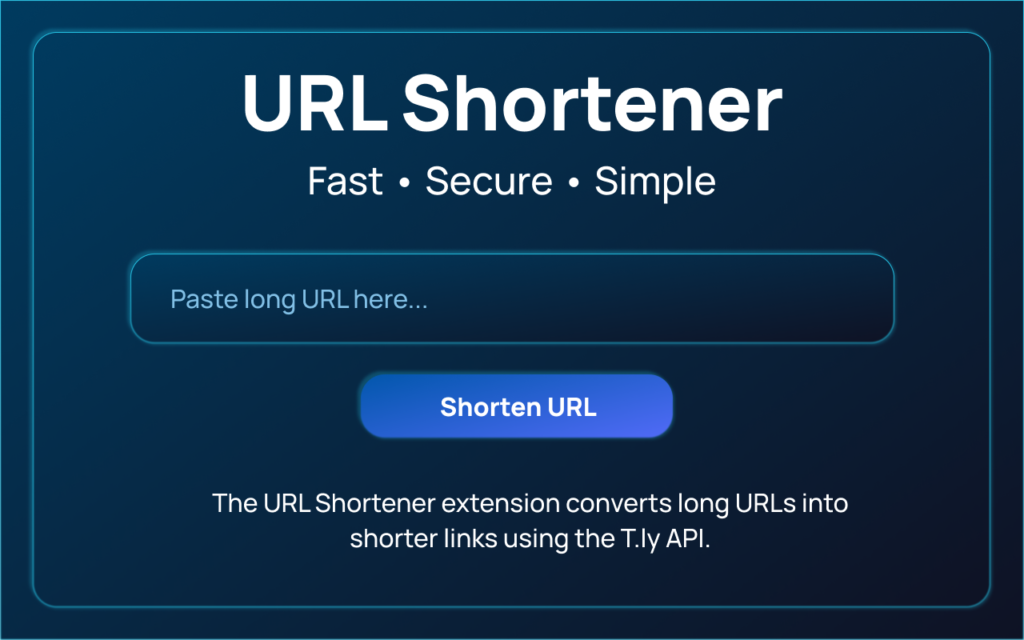
The focus of this tool is on simplicity and privacy. Instead of complex dashboards or confusing interfaces, this extension lets you shorten a link in seconds. It stores minimal data (like your recently created links) locally in your browser — meaning nothing is tracked or shared externally. This design makes it ideal for anyone who values both speed and privacy when managing links online.
Who Is It Best For?
The URL Shortener Extension is perfect for anyone who wants to share links quickly, professionally, and efficiently. It caters to a variety of users:
- Students: Quickly submit assignments or project links without dealing with long, messy URLs.
- Job Seekers: Share resumes, portfolios, and professional links in a clean, polished format that looks great on applications or LinkedIn.
- Bloggers & Content Creators: Make articles, videos, and resources more accessible with short, readable links.
- Social Media Influencers: Post compact links across platforms, improving click-through rates and engagement.
- Digital Marketers & Business Professionals: Share campaign links, reports, and client resources easily, maintaining a professional appearance and workflow efficiency.
Which One Should You Choose?
✔ Choose the Free Version if:
You need short links for occasional use — like social posts, resumes, blog shares, or student projects.
✔ Choose the Paid Version if:
You shorten links frequently, manage campaigns, need branded links, or want data insights on link performance.
Call to Action
Ready to make your links cleaner, professional, and easy to share?
“Clean links, smarter sharing, better results.”
Install the URL Shortener Extension now from altftool.com
Get your free API key and start shortening links instantly
Whether you’re a student, professional, marketer, or content creator, this tool will save time, improve your link presentation, and make sharing faster and smarter.
Install today — shorten your links, boost your productivity, and share smarter!
FAQs
#URLShortener #LinkShortening #Carrerbook #Anslation #AltFTool #ShortLinks #ProductivityTools #BrowserExtension