
DataFormat Pro is a powerful and secure browser extension that allows users to format, validate, convert, and analyze JSON and XML data directly inside the browser. Its main purpose is to provide developers, testers, and data professionals with a fast, reliable, and privacy-focused environment where they can manage data without relying on external websites. The most important advantage is that it uses 100% local processing, meaning your data is never uploaded or shared, ensuring complete privacy and security.
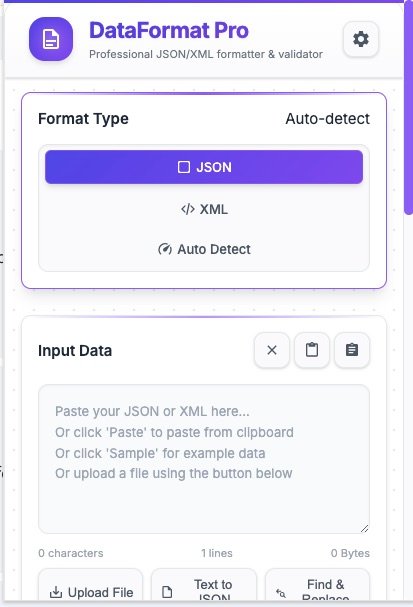
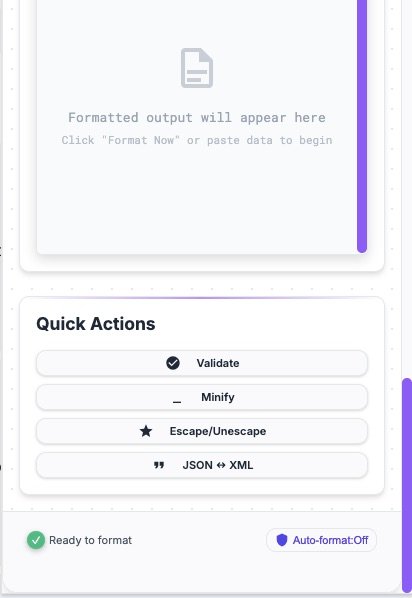
The extension automatically detects whether the input is JSON or XML. With just one click, users can format data with clean indentation, validate syntax errors, or minify the content into a compact version. It also supports JSON ↔ XML conversion, which is extremely helpful for API development and debugging. Additionally, escape and unescape features make it easy to handle special characters.
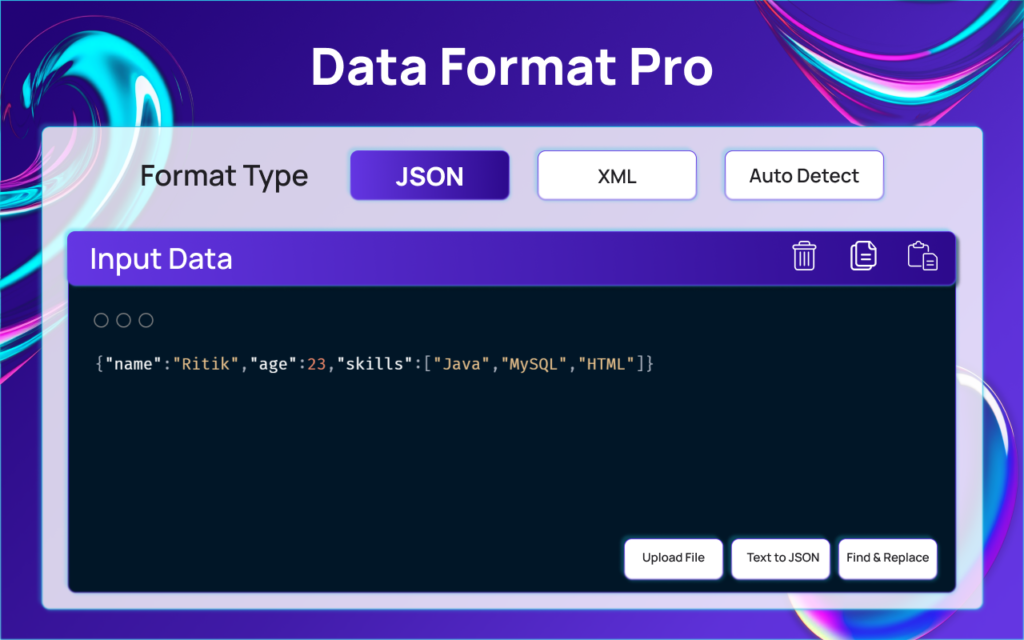
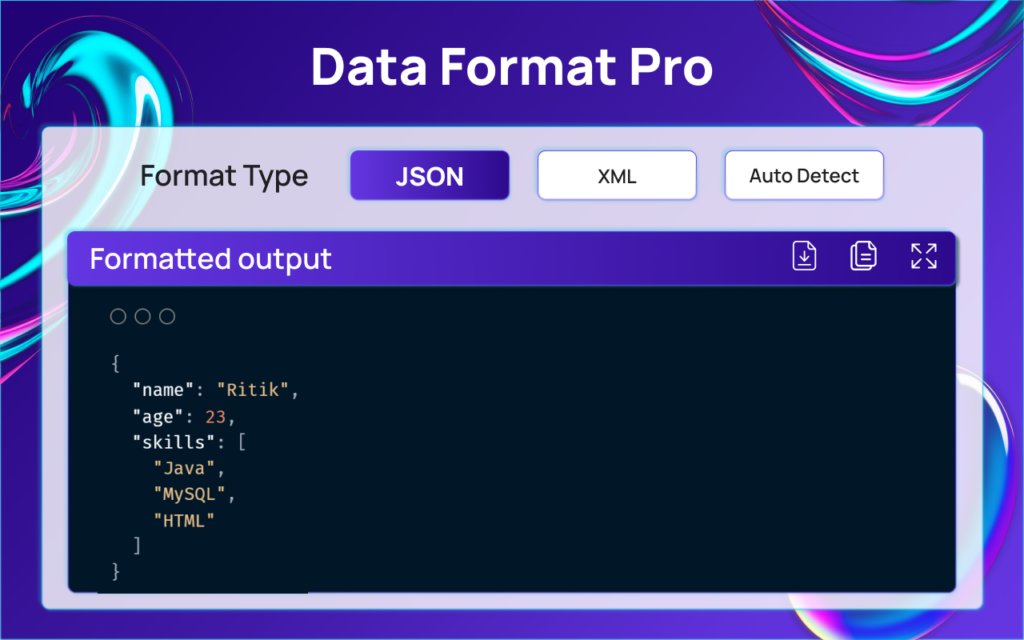
One of the standout features of DataFormat Pro is its Text → JSON conversion, which converts raw plain text into a structured JSON format. This is especially useful for organizing unstructured logs or raw data. Users can paste content directly into the editor, upload files, or load sample data. The built-in Find & Replace panel makes editing large datasets fast and convenient.
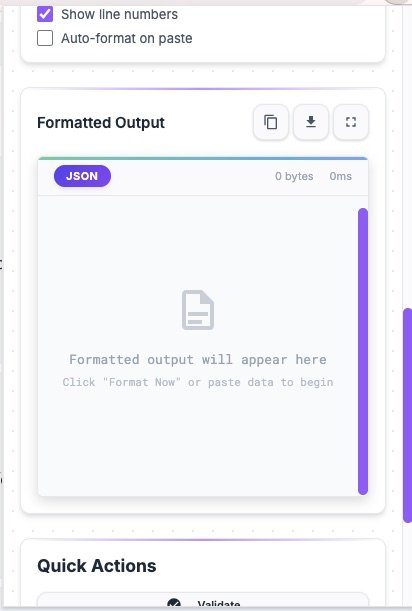
The output is displayed with syntax highlighting, improving readability and making it easier to analyze structured data. Users can copy the formatted result or download it as a file. The extension also integrates with webpages by automatically detecting JSON/XML responses and providing a one-click format button, allowing users to instantly view API responses in a readable format.
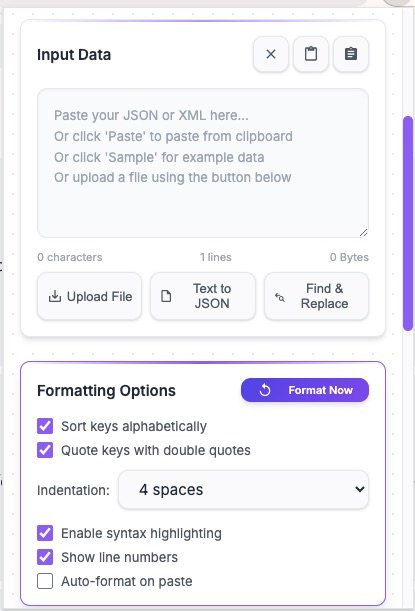
Customization options include six themes: Light, Indigo Night, Mint Teal, Violet Glow, Sky Gradient, and Ocean Blue. Users can also adjust indentation levels, enable key sorting, toggle auto-format, and turn line numbers on or off. Overall, DataFormat Pro provides a complete, secure, and productivity-enhancing formatting solution directly within the browser.
DataFormat Pro – Features
| Category | Features |
|---|---|
| Core Formatting | JSON & XML formatting with indentation |
| Auto-detect input format | |
| JSON/XML validation | |
| Minify option | |
| JSON ↔ XML conversion | |
| Escape & Unescape support | |
| Text Processing | Raw Text → JSON conversion |
| Input & Editing Tools | Paste, Upload, Sample data load |
| Built-in Find & Replace panel | |
| Output Tools | Syntax highlighting with themes |
| Copy formatted output | |
| Download formatted file | |
| Webpage Integration | Auto-detect JSON/XML on webpages |
| One-click popup format button | |
| Customization (Settings) | 6 Themes (Light, Indigo Night, Mint Teal, Violet Glow, Sky Gradient, Ocean Blue) |
| Indentation control | |
| Key sorting option | |
| Auto-format toggle | |
| Line number toggle | |
| Background System | Stores recent formatting logs |
| Detects API JSON/XML responses |
Why DataFormat Pro Is Highly Useful for Developers
DataFormat Pro is a time-saving and productivity-boosting tool for developers and API testers. Working with raw JSON or XML data can often be challenging, especially when it is unformatted and difficult to read. This extension instantly transforms messy data into a clean, structured, and readable format, making debugging faster and more efficient. Features like auto-detection, validation, and minification streamline the development workflow and eliminate unnecessary manual effort. Since everything works directly within the browser, there is no need to open additional websites or tools.
Why DataFormat Pro Is Important for Data Security & Efficiency
In today’s digital environment, data privacy and security are critical. One of the strongest advantages of DataFormat Pro is its 100% local processing, meaning no data is uploaded to external servers. This makes it especially useful for professionals who handle sensitive API responses or confidential information. In addition, features like Text → JSON conversion, webpage auto-detection, and customization options significantly improve workflow efficiency. The extension not only organizes data effectively but also enhances overall speed, accuracy, and productivity.
FAQs
#DataFormatPro #JSONFormatter #XMLFormatter #Carrerbook #Anslation #WebDeveloperTools #APITesting #JSONValidation #DataFormatting #DeveloperExtension