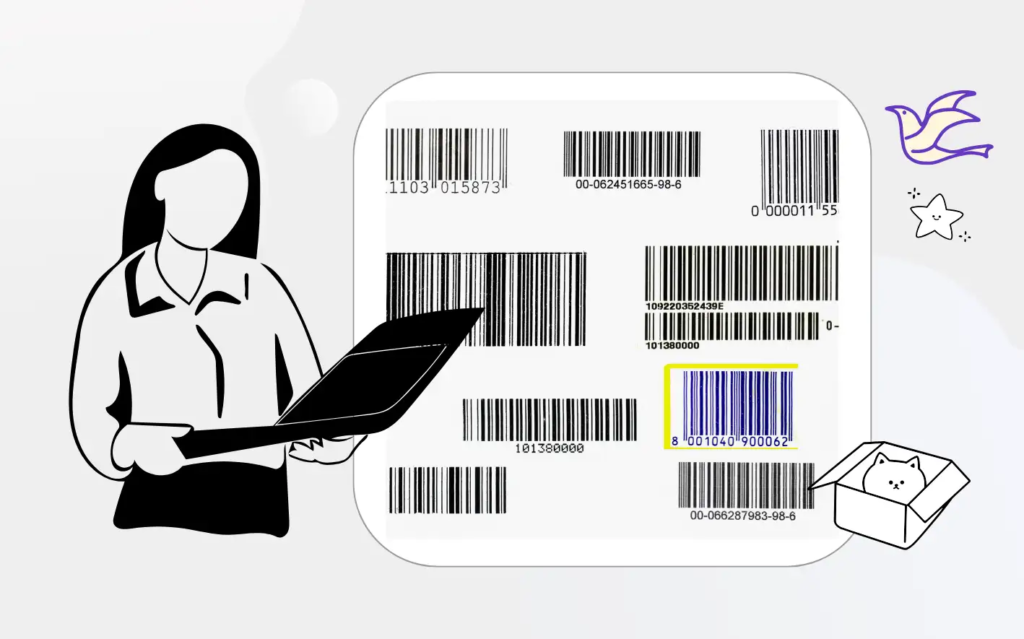
Barcodes are everywhere — on products you buy, packages you receive, books on shelves, and even tickets to events. They make tracking, scanning, and managing products fast, accurate, and automated. Whether you’re a business owner, e-commerce seller, warehouse manager, student, or developer, generating high-quality barcodes should be easy and fast — and that’s exactly what the Barcode Generator tool on AltFTools.com does!
In this article, you’ll learn:
- What this Barcode Generator tool is
- How it works
- What features it offers
- Why it’s useful for businesses and individuals
- How to use it step-by-step
What is the AltFTools Barcode Generator?
The Barcode Generator tool from AltFTools is a free online barcode creation tool that lets you generate industry-standard barcodes instantly without downloading any software or installing plugins.
It takes the data you provide (like a product code or serial number) and converts it into a scannable barcode image that you can download and use in your business operations. Many similar tools create barcodes for retail, inventory, shipping, asset tracking, labeling, and more.
How the Barcode Generator Works
Here’s a simple breakdown of what happens:
- You enter the barcode data — can be numbers, letters, or both.
- You select the barcode format — like CODE128 or other supported formats.
- The tool generates the barcode instantly as an image.
- You download it (usually in formats like PNG, SVG, or PDF).
This entire process happens right in your browser — no sign-up or installation required — and generates barcodes that are readable by most barcode scanners.
Key Features of This Barcode Generator Tool
| Feature | Description |
|---|---|
| Multiple Barcode Formats | Supports popular formats like CODE128, CODE39, EAN-13, and UPC, ensuring compatibility with retail, warehouse, and logistics scanners. |
| Easy Customization | Customize barcode data, choose to show or hide text below the code, and adjust size to fit labels or packaging needs. |
| Real-Time Preview | Instantly preview your barcode before downloading to ensure accuracy and proper formatting. |
| Download in Multiple Formats | Download barcodes in PNG, SVG, PDF, or JPG formats for both digital and print use. |
| Free & Fast | Completely free to use and generates barcodes instantly without installation. |
Step-by-Step: How to Create a Barcode Using This Tool
Generating a professional barcode using the AltFTools Barcode Generator is simple and takes only a few seconds. Follow the steps below to create your barcode quickly and accurately.
Step 1: Visit the Tool Page
Open your browser and go to:
https://www.altftool.com/tools/barcode-generator
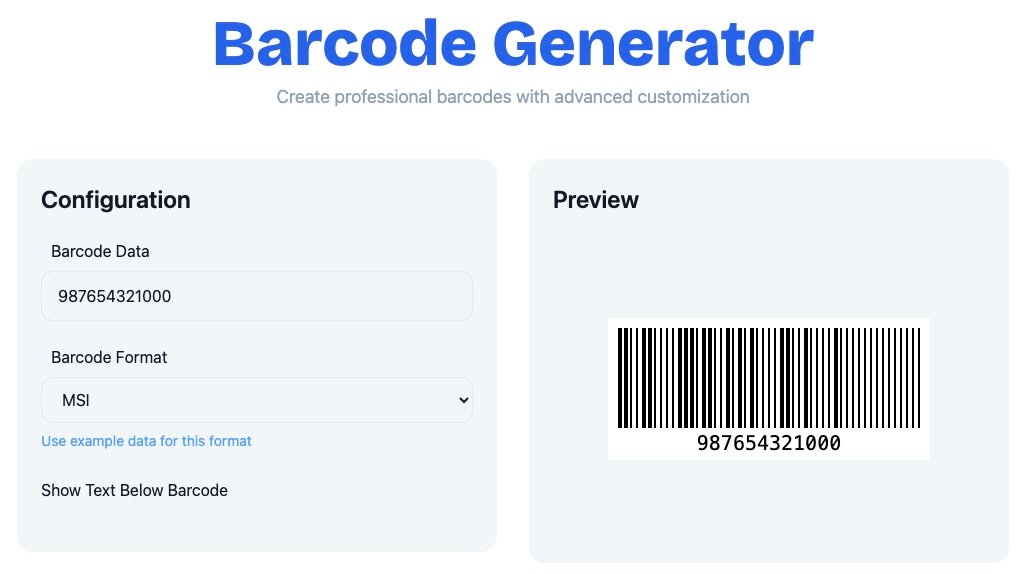
The page will display barcode input and customization options.
Step 2: Enter Barcode Data
In the “Barcode Data” field, enter your SKU, serial number, tracking ID, or any numeric/alphanumeric code. Ensure the data is correct.
Step 3: Choose Barcode Format
Select your preferred format, such as CODE128, which supports numbers, letters, and special characters and works well for most business needs.
Step 4: Customize Settings
Enable or disable the option to show text below the barcode and adjust other display settings if needed.
Step 5: Generate & Preview
Click Generate to instantly preview your barcode. Verify that everything looks correct.
Step 6: Download
Download the barcode in your preferred format (PNG, SVG, or PDF) and use it for printing or digital purposes.
Is It Safe to Use?
Most modern barcode generator tools operate directly within the browser and do not permanently store user data. They process the information instantly and generate the barcode securely. Choosing a trusted and reliable tool ensures safe usage for business operations.
Who Should Use This Tool?
This tool is ideal for retail store owners who need product labels, e-commerce sellers managing shipments, warehouse managers tracking stock, logistics companies handling large volumes of packages, and billing operators working with POS systems. Even students and developers can use it for academic or testing purposes.
Because it is simple yet professional, it suits both beginners and experienced business users.
Useful Tips When Creating Barcodes
- Always preview before downloading to ensure readability.
- If printing on labels, choose vector formats (like SVG) for best quality.
- Choose the correct barcode format based on your usage — e.g., UPC/EAN for retail, CODE128 for shipping.
Why Businesses Need Advanced Barcode Customization
Basic barcode tools may generate simple codes, but businesses often require more flexibility. Custom sizing ensures compatibility with different packaging dimensions, while high-resolution output guarantees scanner readability. Advanced customization also helps maintain professional presentation standards and meet international barcode requirements.
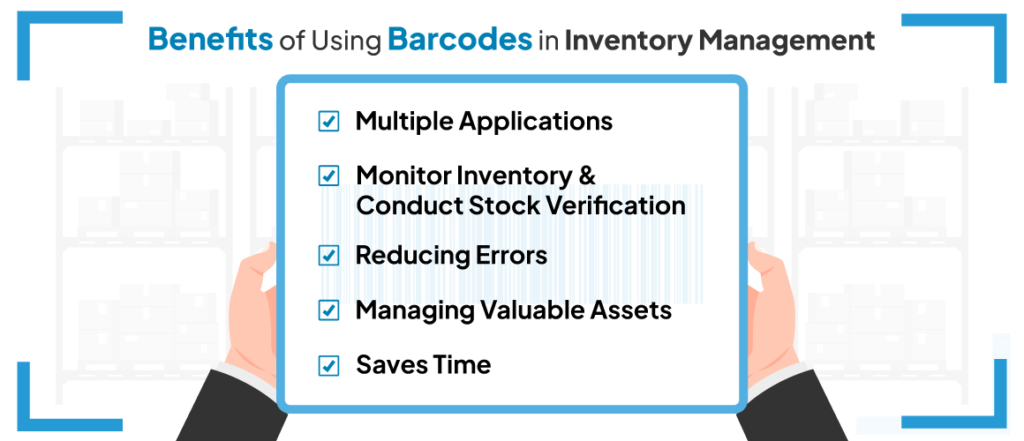
Conclusion : The AltFTools Barcode Generator is a simple yet powerful online utility for creating custom barcodes quickly and free of cost. Whether for product labeling, inventory management, asset tracking, or packaging — this tool helps you generate professional, scannable barcodes in just seconds. Use it to streamline your business operations and save time and effort.
#BarcodeGenerator #FreeBarcodeGenerator #Carrerbook #Anslation #OnlineBarcodeTool #CODE128 #BarcodeMaker #CreateBarcode